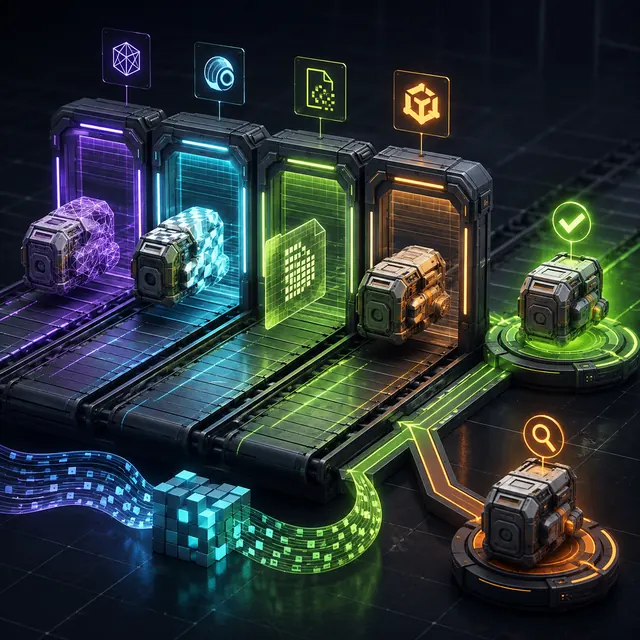
How file, engine and human validation connect
- Continuous integration
- 3D asset validation
- glTF Validator
- Unreal Data Validation
- File hash
- Quality assurance
Continuous integration
runs repeatable file and project checks.
An engine commandlet
validates imported assets and dependencies.
A reviewer
decides whether the technically valid asset fits the game.
Divide checks by what a machine can prove
File existence, parse validity, required metadata, naming, dimensions, counts and known dependency rules are deterministic enough for automation. Visual style, perceived quality, animation appeal and gameplay usefulness are not. Write every rule with a failure message, owner and remediation path. A check that cannot explain how to fix the asset becomes pipeline noise and will eventually be ignored.
Validate the exchange file before engine import
Run the official or project-approved validator for the chosen format, resolve referenced textures, verify expected node and material names, and record source and file hashes. Thresholds such as triangle count or texture dimensions should come from the asset class and target platform rather than one global limit. Preserve the raw validator output as a build artifact.
Attach every automated report to the G3D.AI evidence record, so a pass, warning or rejection remains tied to the exact source and test conditions.
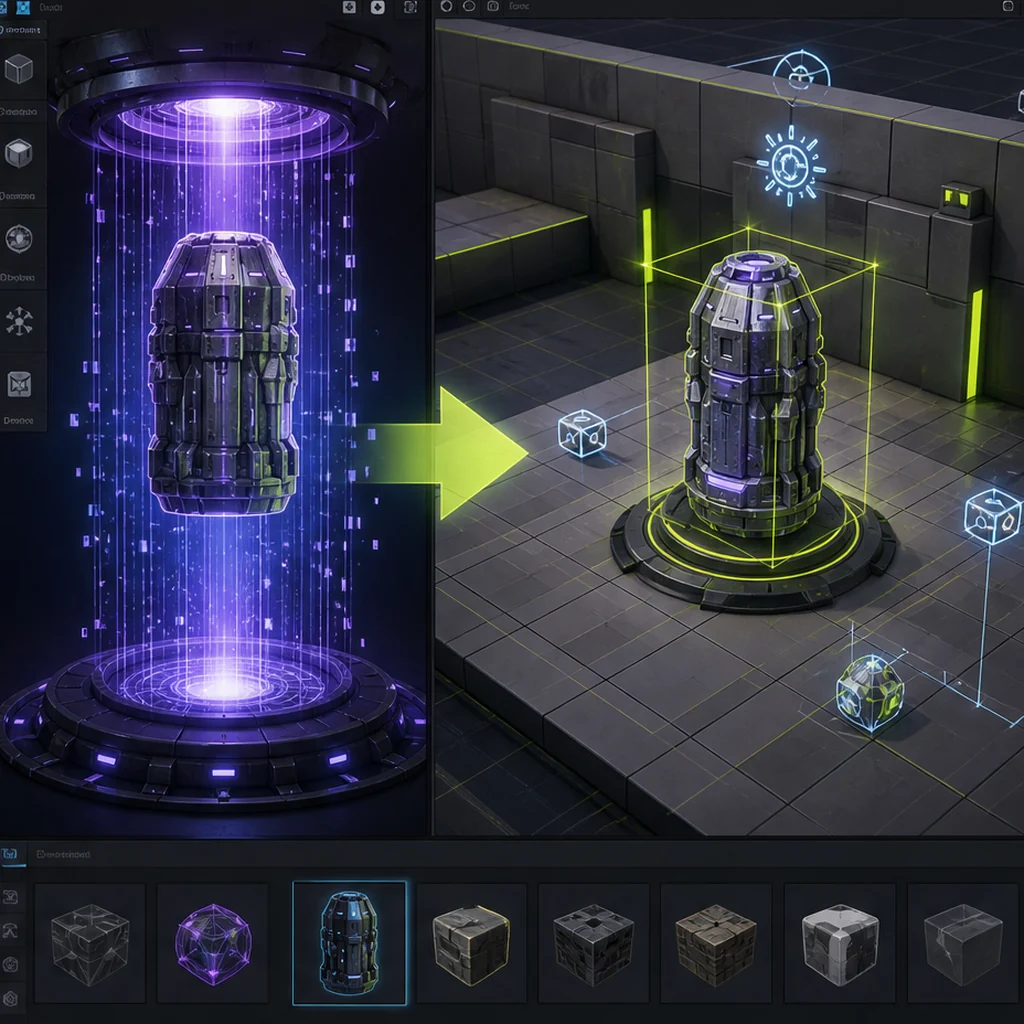
Add engine-level data validation
The engine sees derived assets that a standalone parser cannot: importer warnings, generated materials, collision settings, dependency cycles and project-specific naming. Unreal documents command-line Data Validation for continuous integration and extensible validators. Other engines expose their own editor or import scripting paths. Pin the engine version and fail only on rules the team has agreed are release-relevant.
Keep a human acceptance gate
A technically valid asset can still have a broken silhouette, noisy roughness, poor deformation or unreadable gameplay meaning. Pair CI with a small validation scene or review build that exposes neutral lighting, project lighting, collision, LOD transitions and strong animation poses. Link the reviewer and decision back to the same immutable asset identifier checked by CI.
Design a report-only 3D asset validation trial
Select ten recently accepted and rejected assets. Write five deterministic rules that separate them without relying on subjective appearance, then run those rules in report-only mode. Review false positives with artists and engineers before enabling build failures. Add one engine-level check and link every result to the source hash, validation report and human decision.
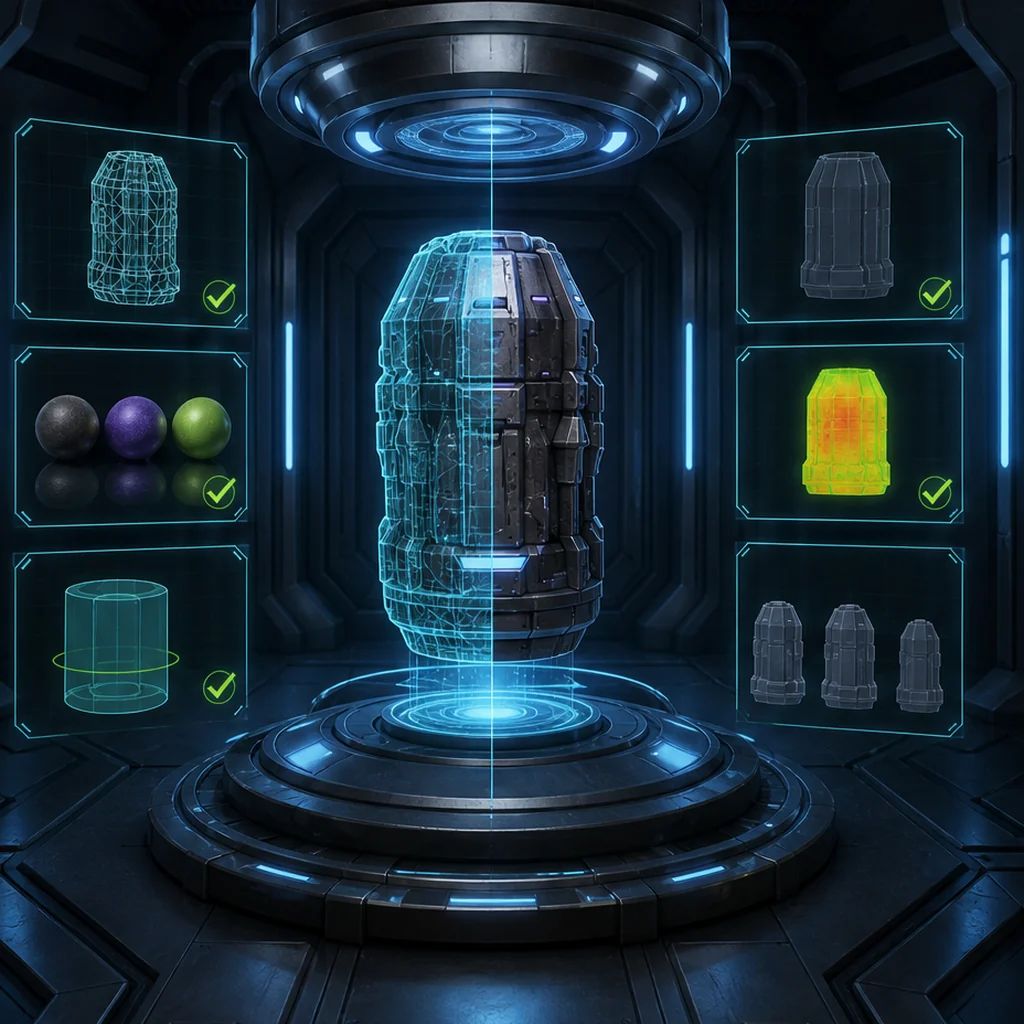
Choose which 3D checks belong in automation
Syntax, references and measurable properties
Derived assets and project rules
Visual and gameplay fitness
Automated 3D asset validation checklist
- Classify each rule as file, engine or human review.
- Pin validator and engine versions.
- Store readable failure messages and raw reports.
- Use asset-class budgets instead of one global threshold.
- Connect the human approval to the validated file hash.
Questions about 3D asset validation in CI
Can CI decide whether a 3D asset looks good?
No. It can enforce measurable rules and prepare consistent review evidence, but visual and gameplay judgment still need accountable people.
Should every warning fail the build?
No. Promote a warning to a failing rule only when the team understands its impact and has a reliable remediation path.
What should happen to generated source files?
Retain raw inputs and exports outside the derived build artifacts so a failure can be reproduced and repaired.
Apply this production & trust guidance
Store the test conditions and results with: Use the versioned evidence record. Create asset-class performance gates through: Define measurable geometry and texture budgets. Automation should reduce repeated inspection while leaving artistic and gameplay acceptance visible.
Primary sources & technical references
- Khronos glTF Validator repositoryOpen source ↗
- Unreal Engine documentation: data validationOpen source ↗
- Khronos glTF specification and resourcesOpen source ↗
- C2PA technical specificationOpen source ↗