Audit geometry
Check scale, silhouette, manifold surfaces, normals, disconnected fragments and topology around deformation or shading-critical areas.
Build dependable AI-assisted 3D game assets with guides to prompts, Blender cleanup, topology, UV baking, materials, collision, rigging and motion.
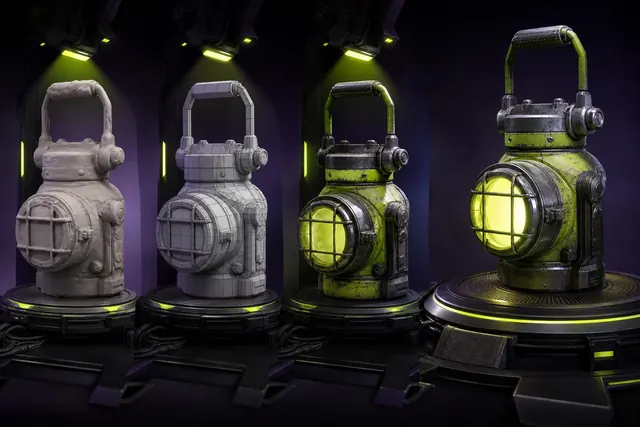
A generated object becomes a production asset only after it passes explicit checks: silhouette, scale, manifold geometry, topology, UVs, material channels, collision, pivots, naming, licensing and engine import. Generation is the beginning of that path, not the end.
The guides in this hub turn subjective approval into repeatable gates. They cover individual assets and coherent batches for artists, technical artists and small teams deciding where AI saves time and where deliberate manual work still protects quality.
Begin with Prompting for production-ready 3D assets, then continue through AI-generated character animation for game production when the production question reaches the other end of this hub.
An asset is ready only for a named role, camera range and platform. Review the complete deliverable instead of approving a single rendered angle.
Check scale, silhouette, manifold surfaces, normals, disconnected fragments and topology around deformation or shading-critical areas.
Inspect texture channels under neutral light, verify texel density and tiling, and remove baked illumination that conflicts with engine lighting.
Create collision, pivots and LODs, import into a representative scene, and record cleanup time, warnings and measured performance.
These four guides cover separate decisions within asset production. Read the guide that matches the deliverable or production risk you need to resolve.
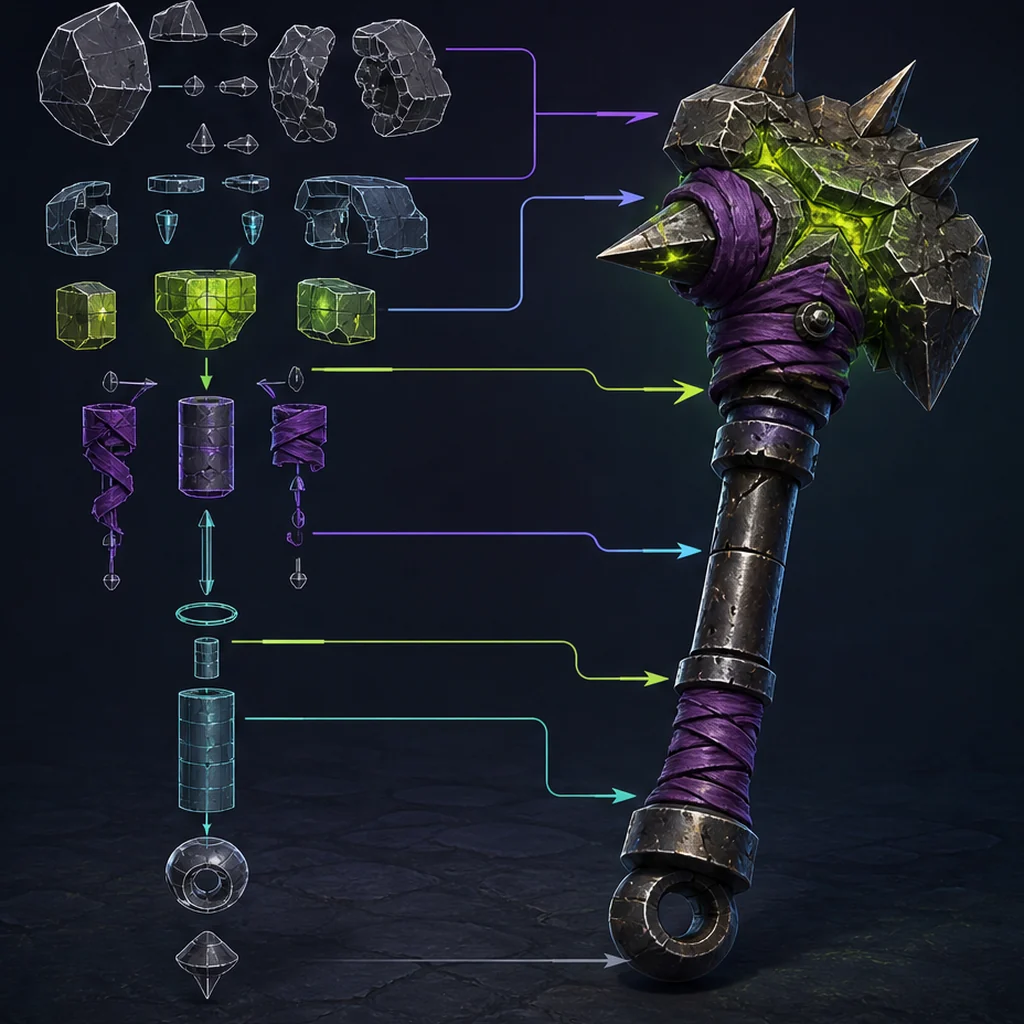
A reusable brief system that connects visual language to scale, topology, materials and engine constraints.
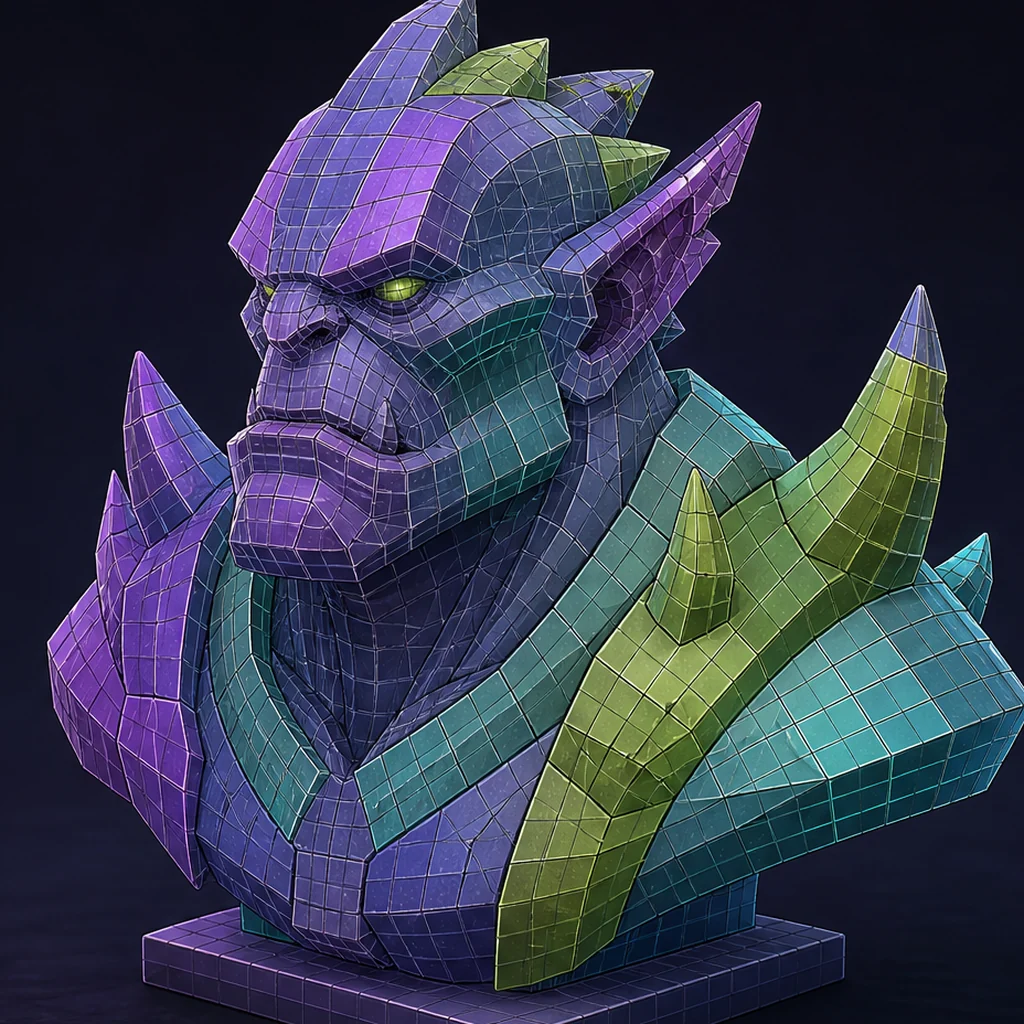
How to audit and repair geometry for deformation, shading, UVs, collision and real-time performance.
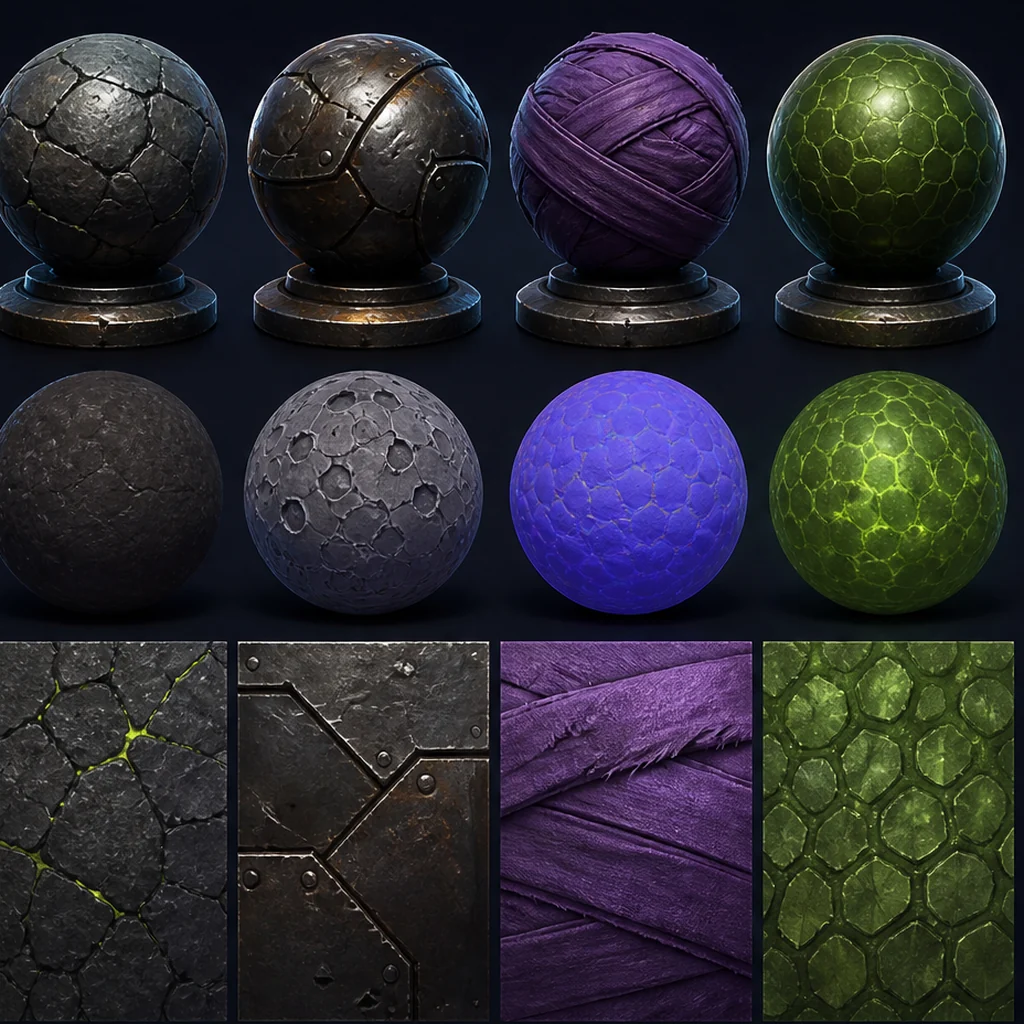
Build coherent base color, roughness, metalness and normal information instead of treating one attractive image as a material.
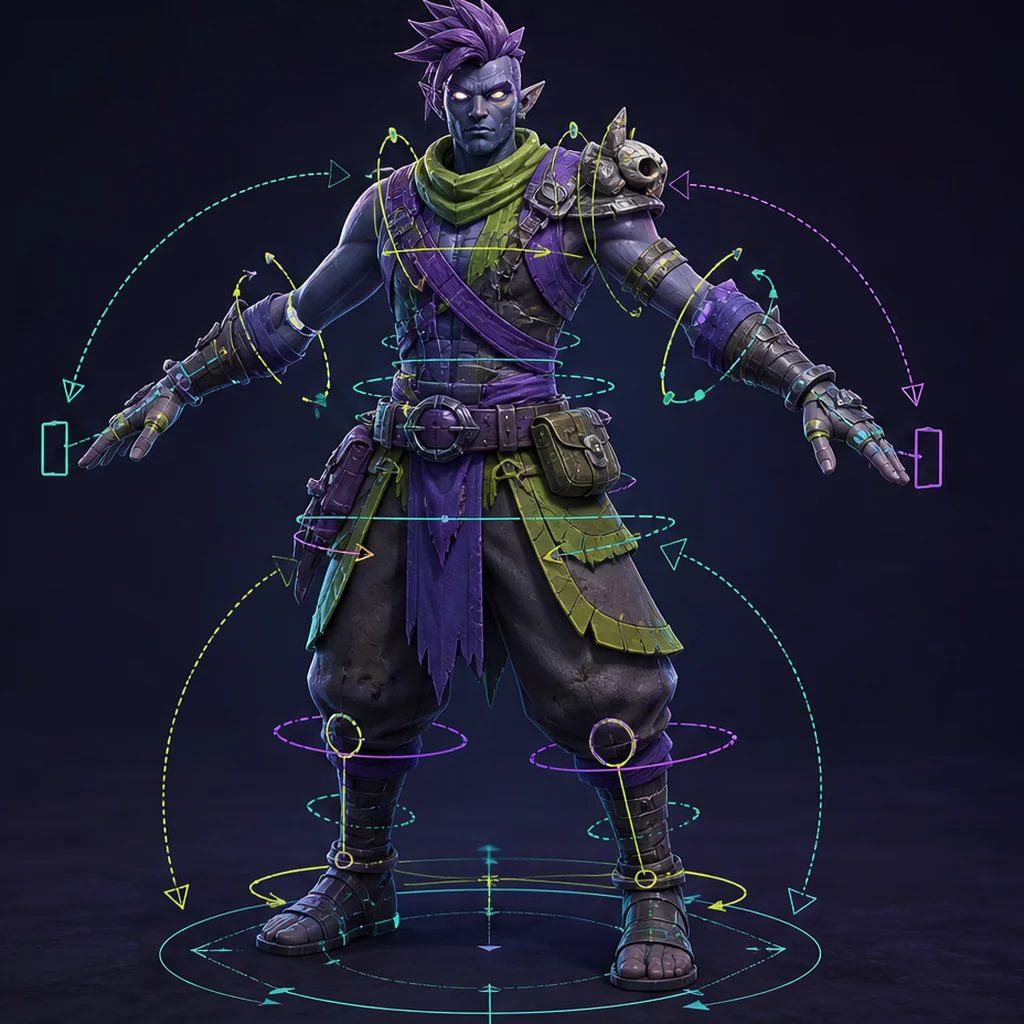
A cleanup path from attractive character mesh to stable skeleton, skin weights, facial shapes and runtime animation.
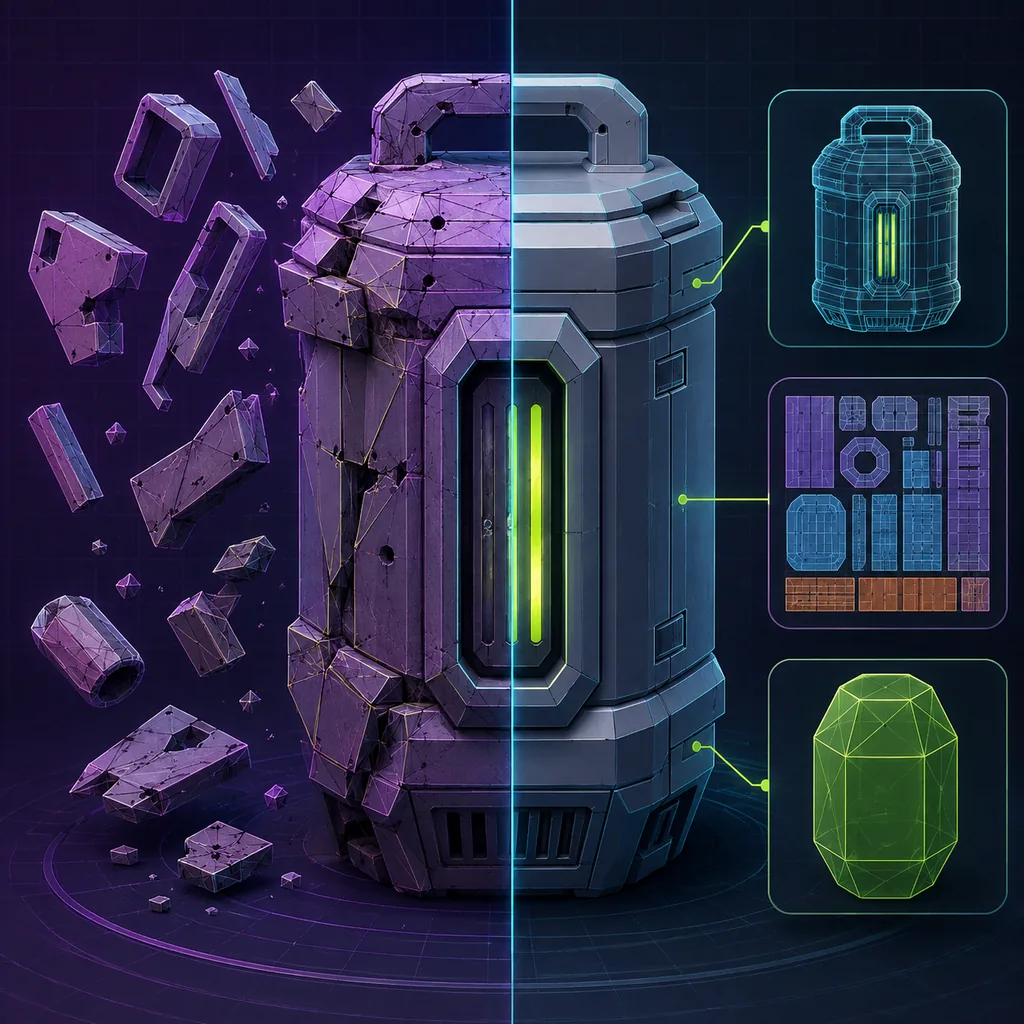
A defect-first Blender workflow for turning a fragile generated mesh into a reviewable game-asset source file.
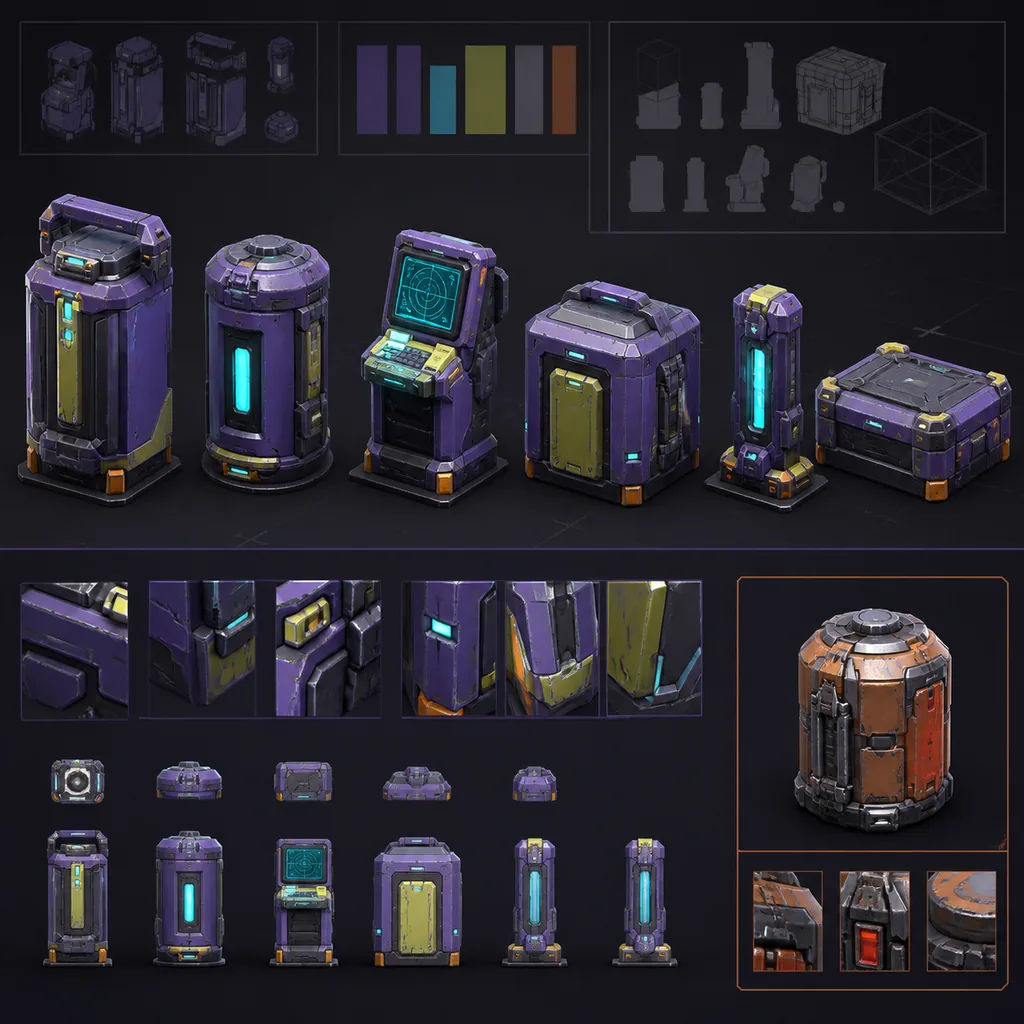
Turn art direction into a measurable grammar, reference kit and batch review process instead of asking repeated prompts to preserve style by chance.
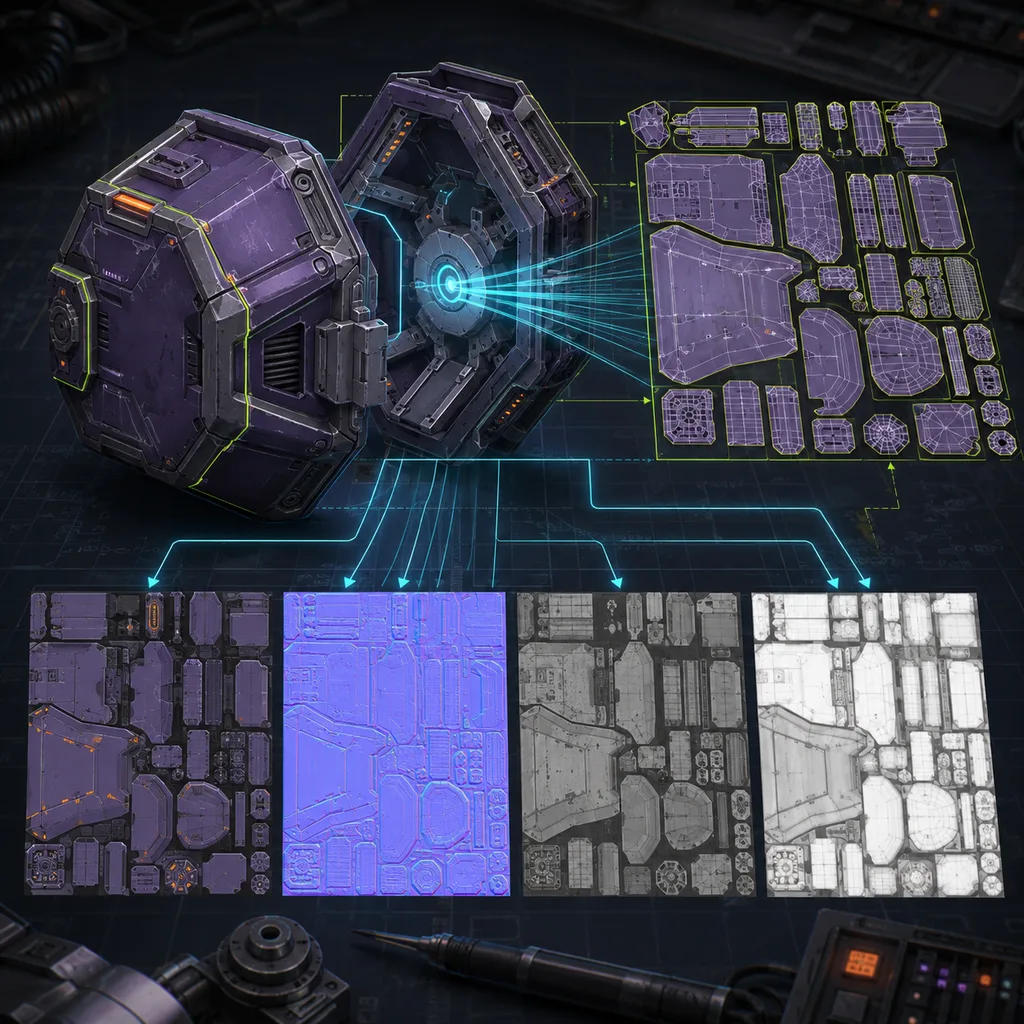
Build stable UVs and bake high-detail appearance onto a controlled game mesh without hiding geometry or color-space failures.
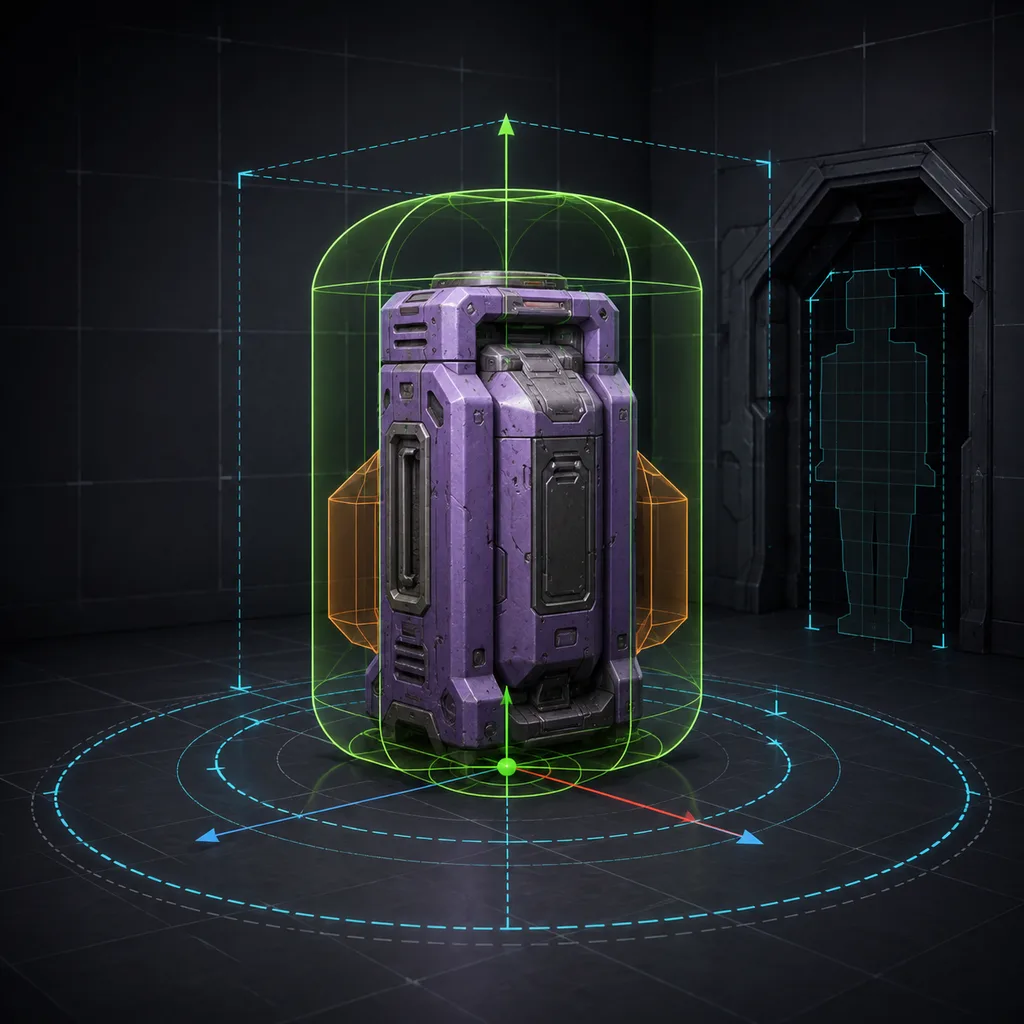
Make generated props placeable and interactive by validating real units, orientation, origins, collision shapes and gameplay contacts.
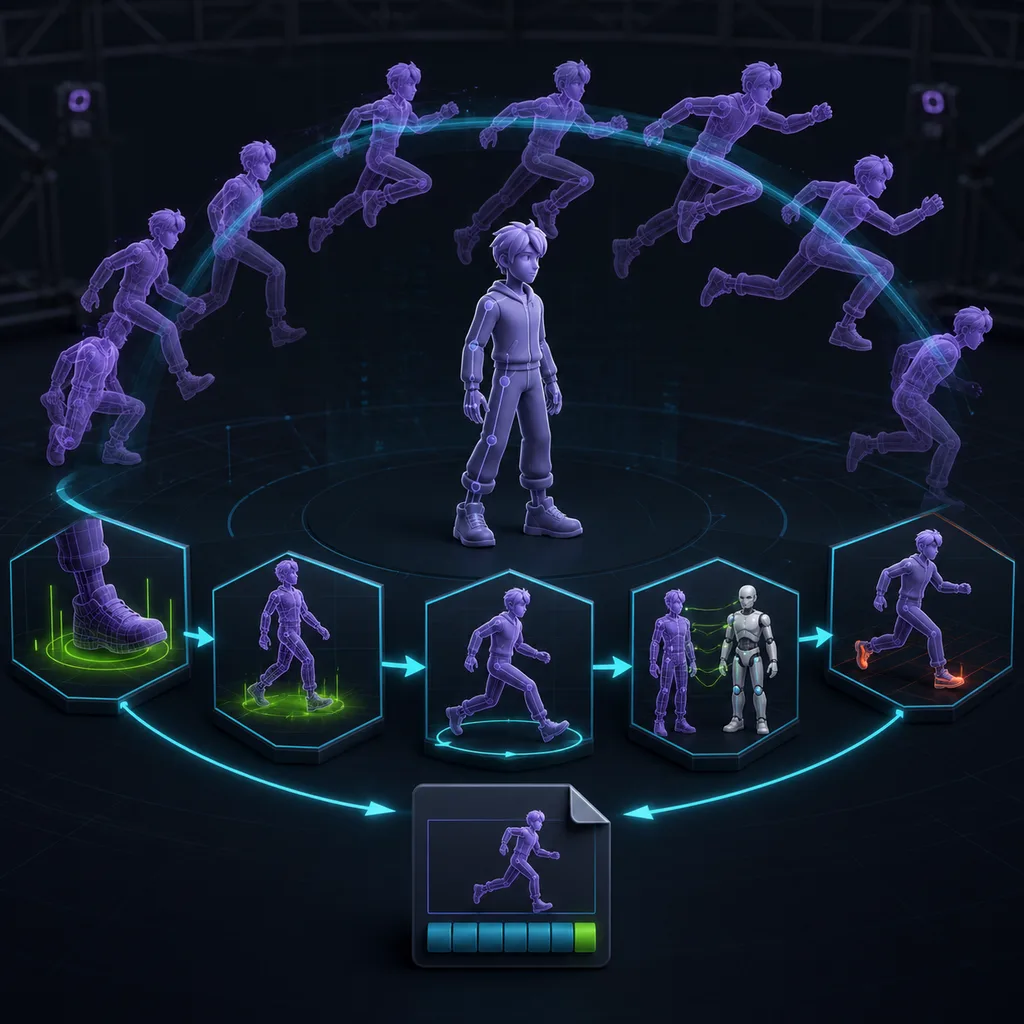
Turn text- or motion-conditioned output into editable clips by validating skeletons, contacts, root motion, retargeting and gameplay transitions.
Most failures appear at the handoff from an attractive preview to geometry, materials, rigging or engine constraints. Test the exported asset against its named role.
Sometimes for background props, but most assets still need scale, topology, UV, material, collision and licensing review.
State role, silhouette, dimensions, camera assumptions, material language, style constraints and the technical limits the downstream asset must meet.
Use a written art-direction grammar, reference boards with rights records, controlled review sets and shared acceptance tests.