Use representative briefs
Give every candidate system the same asset roles, references, constraints and time budget, then score the exported files.
Compare AI 3D tools, formats, compression and validation; version assets, move them into Unity, Unreal or Godot, and document provenance.
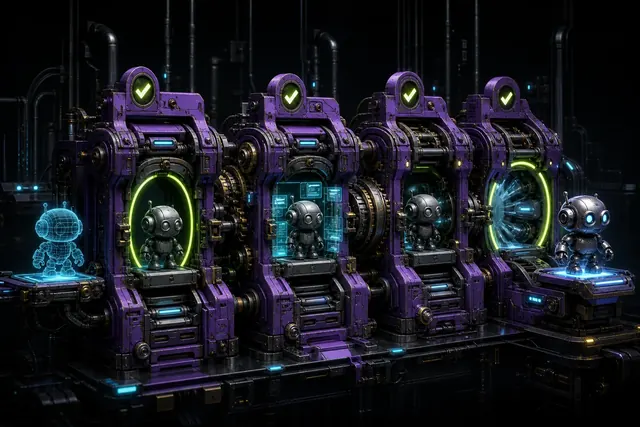
Production value comes from the entire pipeline: predictable exports, source control, asset metadata, engine validation, performance budgets, rights records and a rollback path. A fast generator that produces ambiguous or irreproducible assets can make the overall workflow slower.
These guides focus on evidence a studio can retain: benchmark scenes, import logs, acceptance rates, edit time, provenance notes and human approvals. They also separate legal facts from unsettled questions that require qualified advice.
Begin with How to benchmark AI 3D tools for game production, then continue through Version control and reproducibility for AI-assisted 3D assets when the production question reaches the other end of this hub.
A production benchmark includes generation, retries, cleanup, import and approval. It also preserves enough evidence to reproduce or reject the result later.
Give every candidate system the same asset roles, references, constraints and time budget, then score the exported files.
Store model and version, prompts or inputs where appropriate, source rights, edits, import settings, reviewers and final file hashes.
Test Unity, Unreal or the chosen runtime with representative scenes and current tool terms before adopting the workflow at scale.
These four guides cover separate decisions within production & trust. Read the guide that matches the deliverable or production risk you need to resolve.

A vendor-neutral test plan based on accepted assets, edit time, control, export reliability and rights.
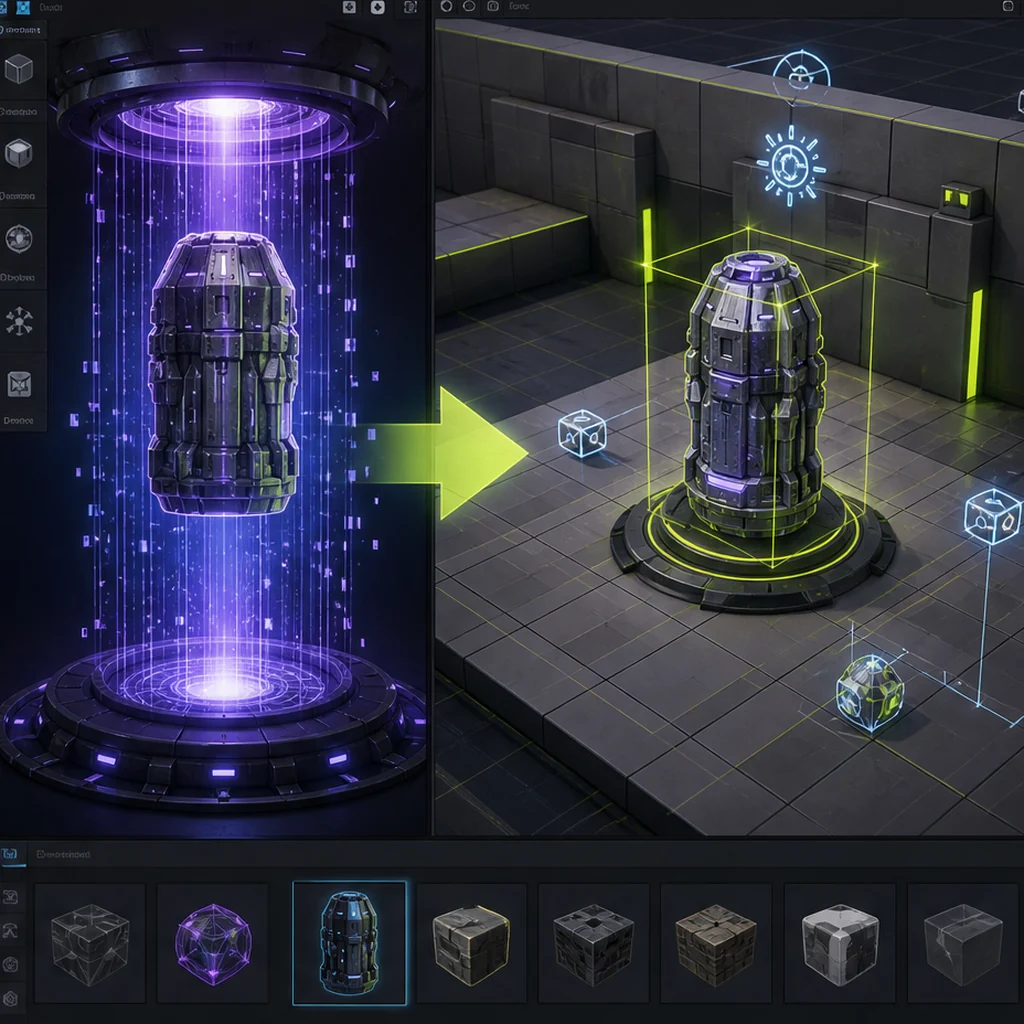
A controlled path from source files through import settings, prefabs, collision, LODs and validation scenes.

Import, material, collision, Nanite, LOD and validation decisions for generated meshes.
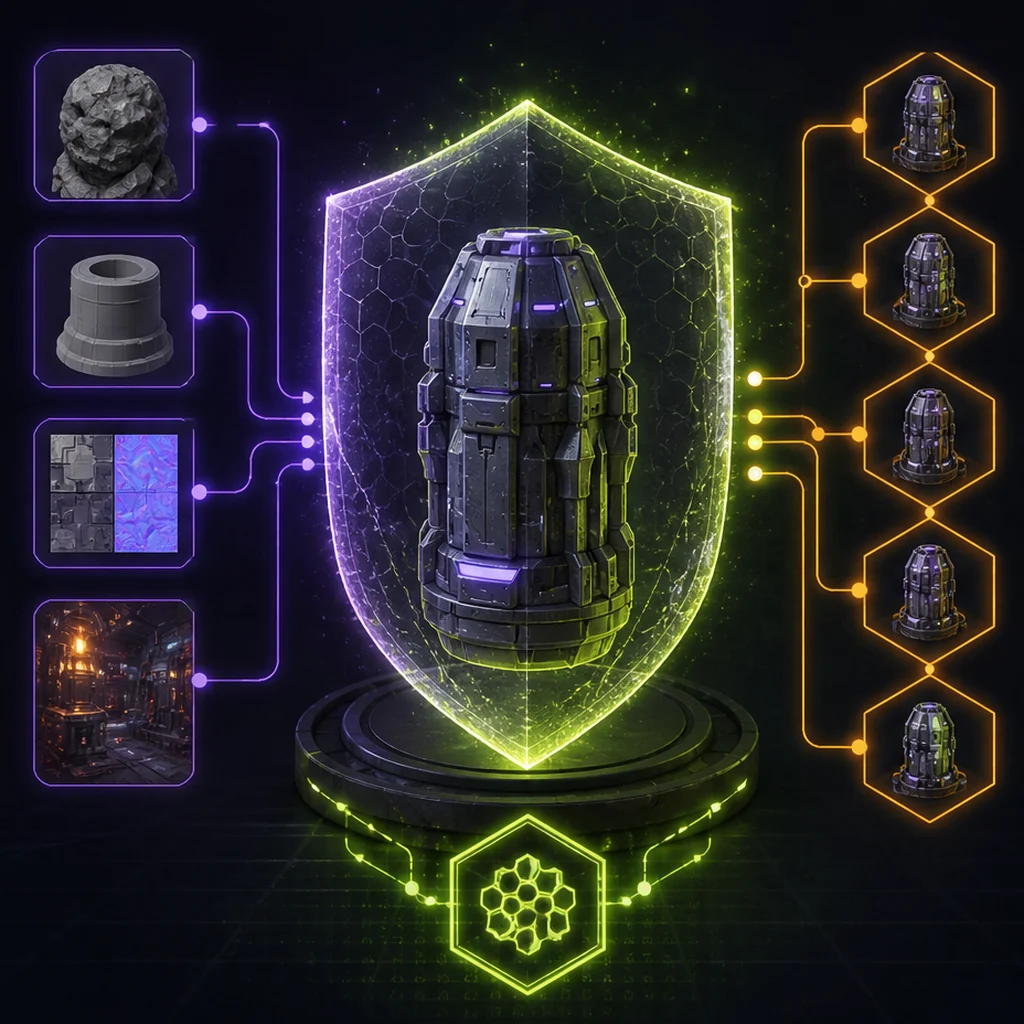
A practical record-keeping framework for teams navigating ownership, inputs, model terms and human authorship.
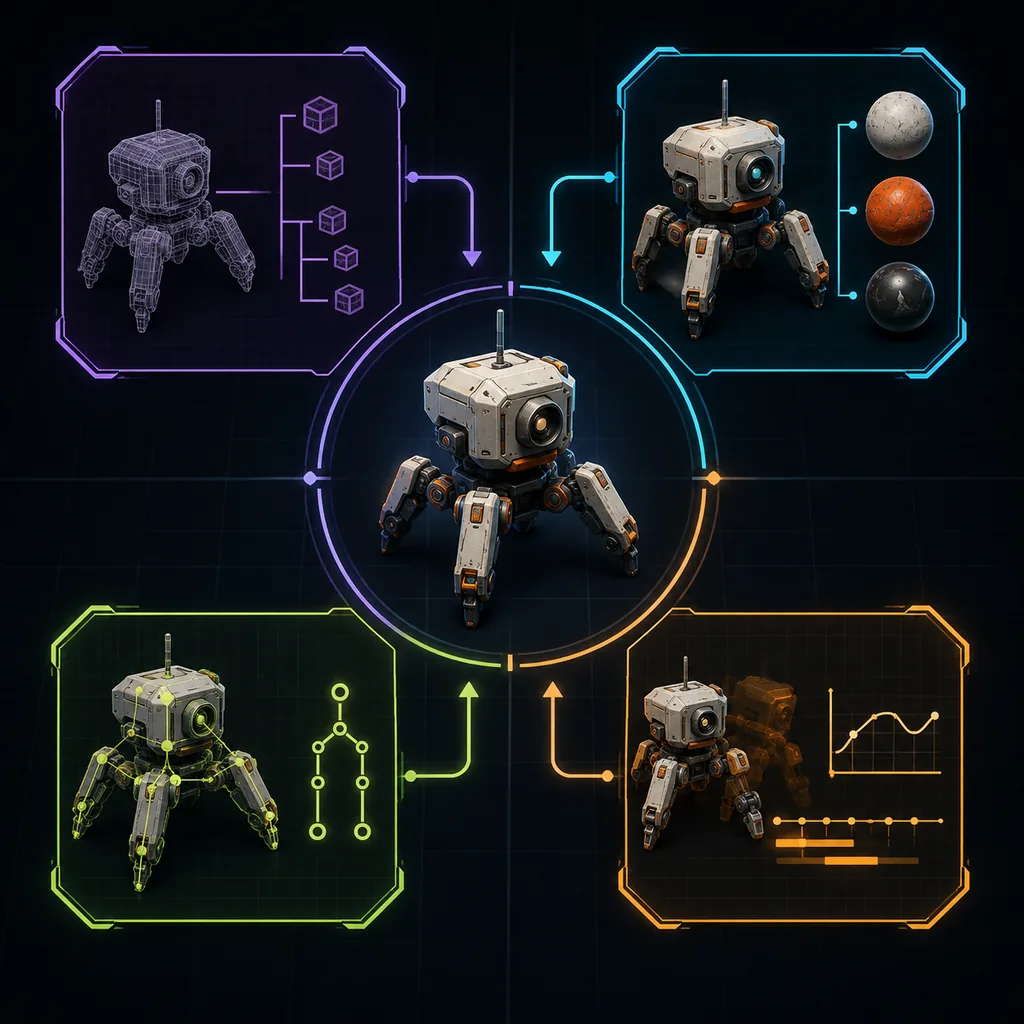
Choose a 3D interchange format by the hierarchy, materials, animation and collaboration data that must survive the pipeline.
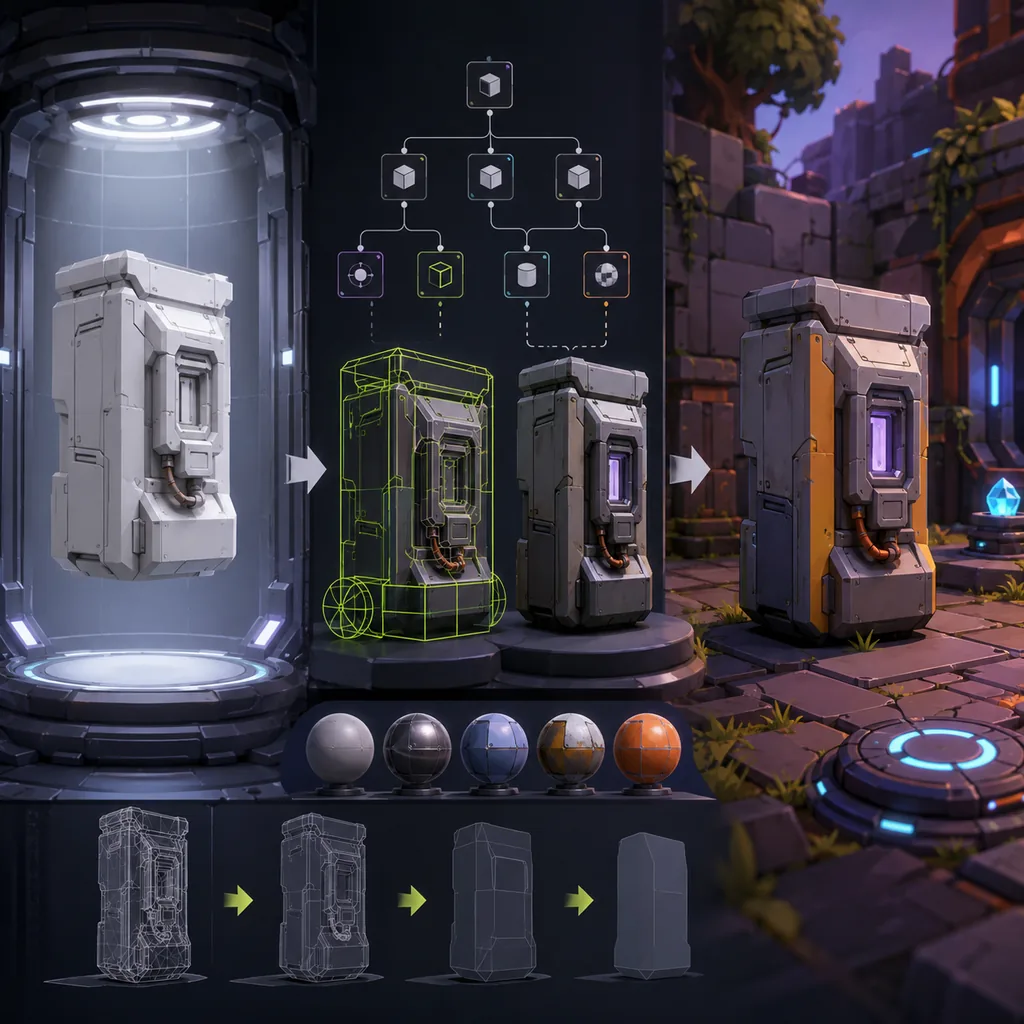
Normalize, import and validate AI-generated 3D assets in Godot without editing generated imports as if they were source files.
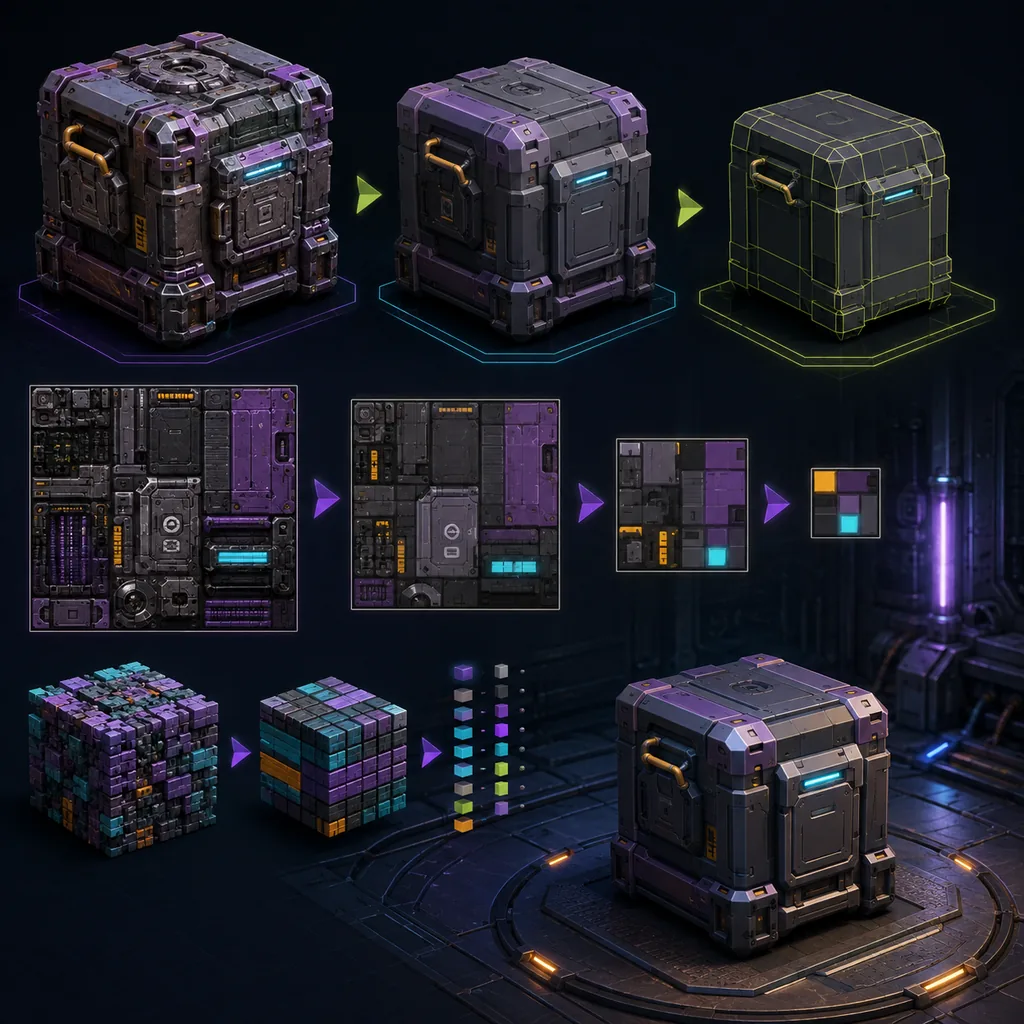
Reduce geometry, texture and delivery cost while protecting the silhouette, material response and target-device experience.
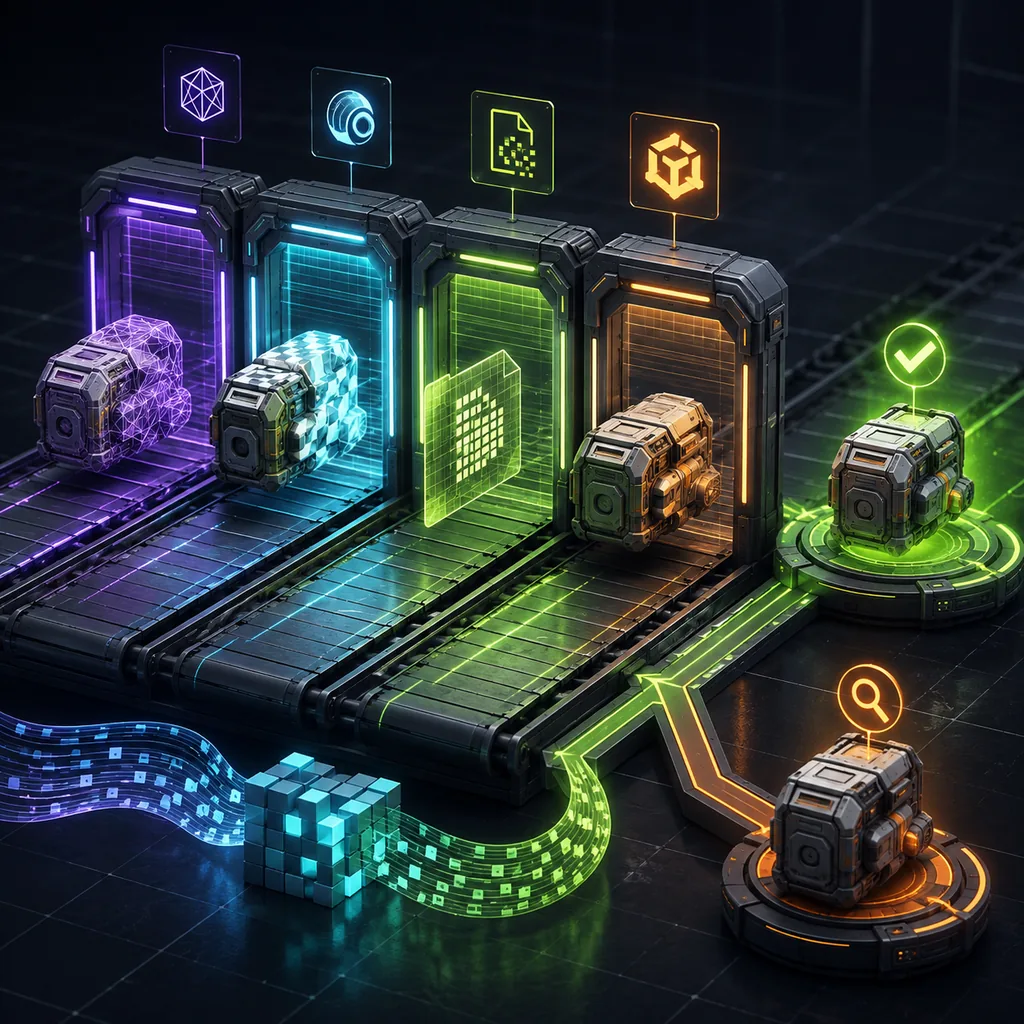
Turn stable geometry, naming, dependency and budget requirements into fast automated gates while keeping visual and gameplay approval human.
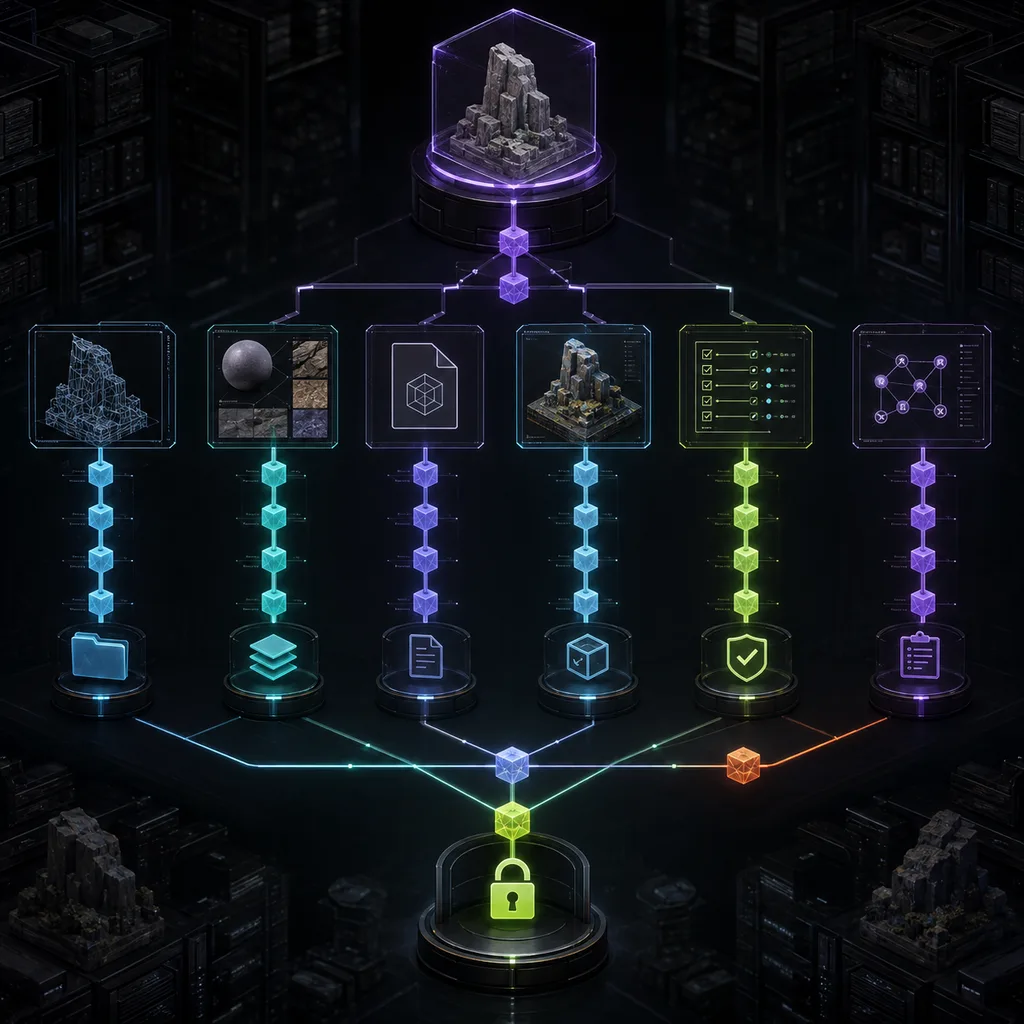
Track raw generation, editable source, textures, exchange files, engine artifacts and approvals without losing the authoritative asset history.
Retain the model version, authorized inputs, applicable terms, edits, import settings, reviewer and final identifier so technical and rights decisions can be revisited.
Use the same briefs and score usable acceptance rate, cleanup time, control, export reliability, rights terms and total cost.
Keep the prompt or inputs where appropriate, model and version, date, operator, edits, approvals, source rights and final asset hash.
The answer depends on jurisdiction and human contribution. Document the creative process and obtain legal advice for material releases.