From a source file to a checked Unreal asset
- Unreal Engine
- Nanite
- 3D asset import
- Validation map
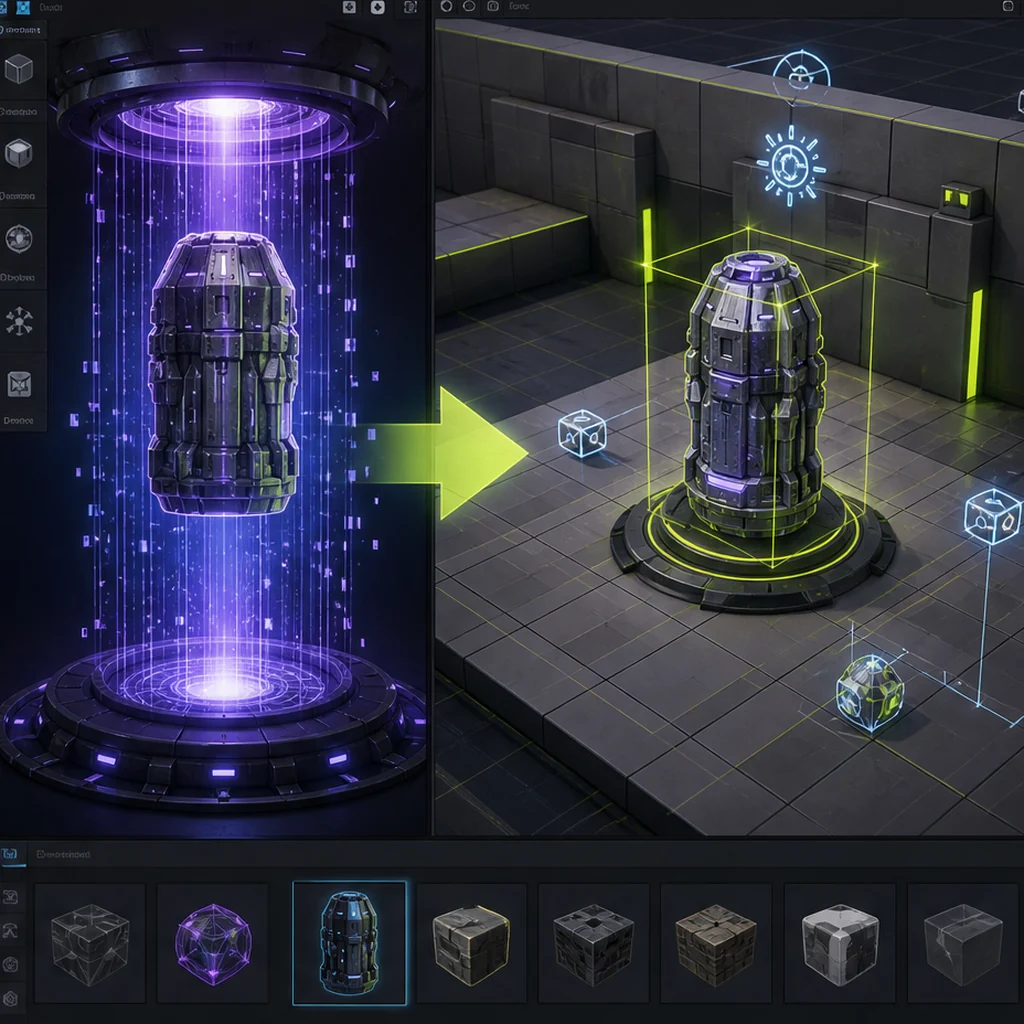
A clean source file
enters Unreal through a known import path.
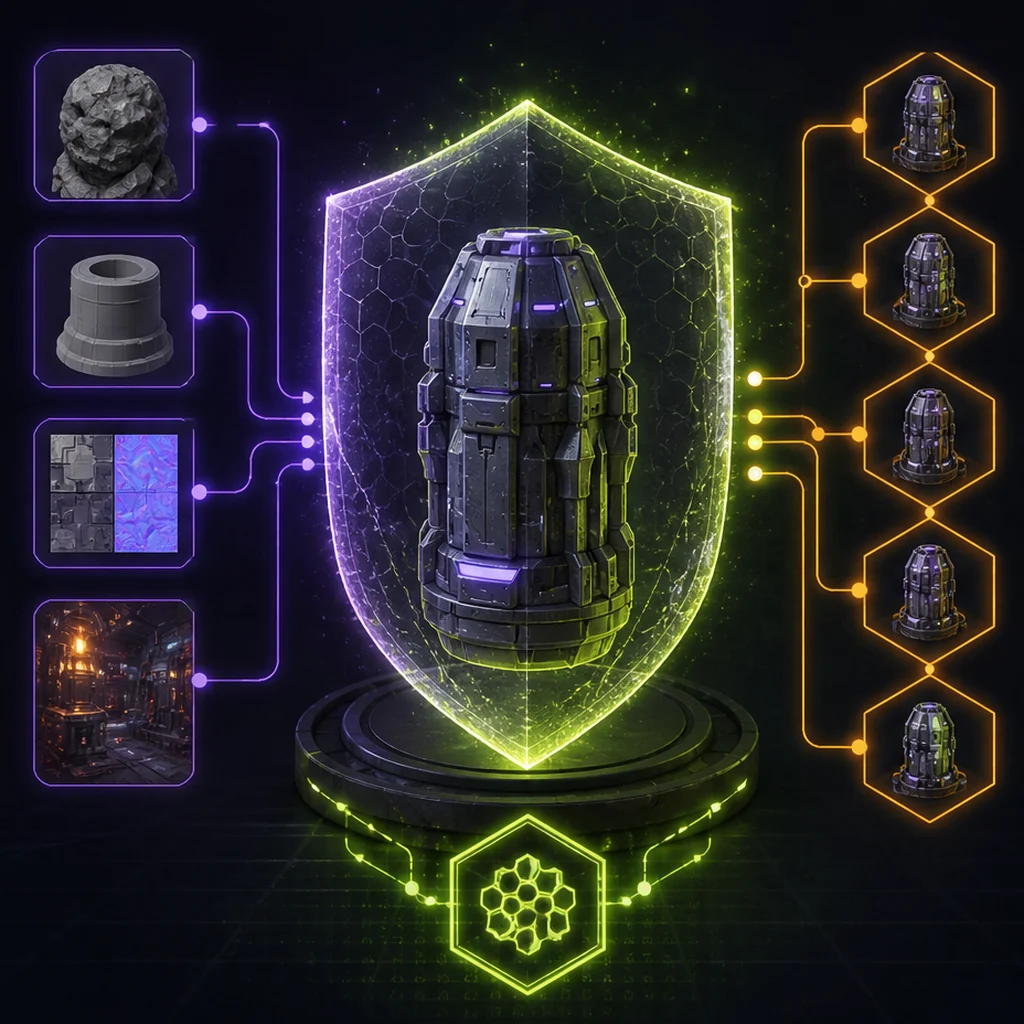
The asset role
guides Nanite, LOD and collision choices.
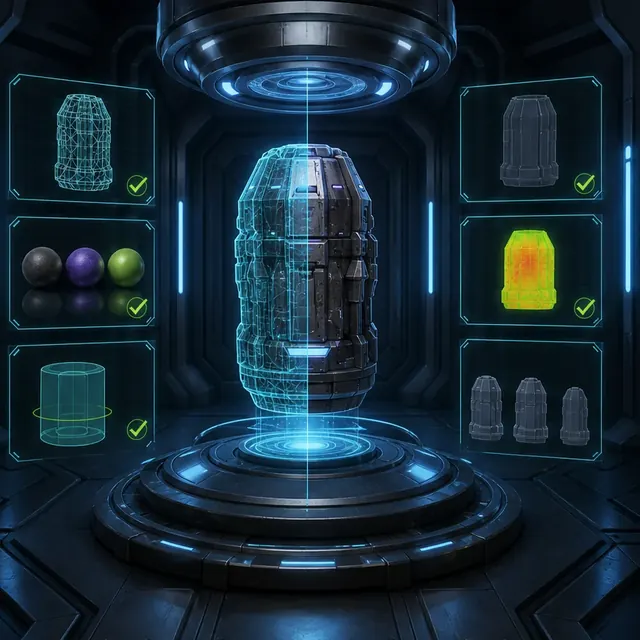
A validation map
measures materials, memory and performance.
Prepare deterministic source files
Set scale, axes, transforms, hierarchy, pivots and naming in a DCC tool. Resolve non-manifold geometry, overlapping fragments and excessive material slots. Store the unmodified generation output separately so cleanup remains auditable and reversible.
Make import choices explicit
The Interchange framework and legacy import paths expose settings for geometry, normals, materials, textures, skeletons and animation. Save or document the intended configuration. Reimport tests are essential because an asset that imports once may fail when source paths or hierarchy change.
Use the repeatable AI 3D benchmark, to compare Unreal import and cleanup results across tools and versions.
Choose Nanite, authored LODs and collision independently
Nanite can handle high geometric detail for supported rigid assets and platforms; it does not remove the need to measure material, overdraw, memory or collision. Characters, translucent materials and unsupported targets can require different strategies. Collision should reflect gameplay, not visual density.
Integrate with project material architecture
Generated textures should feed reviewed master materials with known channel packing, color spaces and scalar ranges. Inspect roughness and normals rather than trusting a preview. A consistent material system reduces shader permutations and makes large generated sets easier to tune.
Validate an AI-generated asset in Unreal Engine
Build a small Unreal validation map containing neutral and project lighting, scale references, collision visualization, Nanite or LOD inspection, and representative material instances. Import a generated rigid prop through the team's chosen path, then reimport after changing its hierarchy. Record settings, warnings, material remapping, memory and target-platform performance instead of approving from the static mesh editor alone.
Unreal Engine asset pipeline decision points
Clean source and explicit import
Nanite or LOD plus material budget
Collision and validation map
Unreal Engine AI 3D asset import checklist
- Normalize source geometry, pivots and material slots.
- Document and retest import settings.
- Select Nanite or LOD strategy per target platform.
- Create purpose-built simple or complex collision.
- Profile a representative validation map.
Questions about AI-generated 3D assets in Unreal Engine
Does Nanite make polygon budgets irrelevant?
No. Memory, streaming, material cost, overdraw, collision and platform support still matter.
Should generated materials be imported automatically?
For prototypes perhaps; production usually benefits from mapping textures into reviewed project master materials.
When should a generated asset use Nanite?
Choose Nanite only after checking the asset type, materials, target platforms, memory and scene behavior. It is a rendering decision, not an automatic quality label.
Apply this production & trust guidance
Estimate geometry and texture scale before selecting runtime features: Plan LOD, texture and scene budgets. Prepare the source mesh through: Prepare game-ready topology before Unreal import. Nanite, authored LODs and collision should remain separate measured decisions.
Before runtime profiling, apply mesh and texture compression for runtime budgets, so the import measures the shipping asset.
Primary sources & technical references
- Unreal Engine documentation: importing contentOpen source ↗
- Khronos glTF specification and resourcesOpen source ↗
- Blender ManualOpen source ↗