How an art-direction grammar controls a batch
- Art direction
- 3D asset library
- Style consistency
- Reference kit
- Batch production
- Prompt design
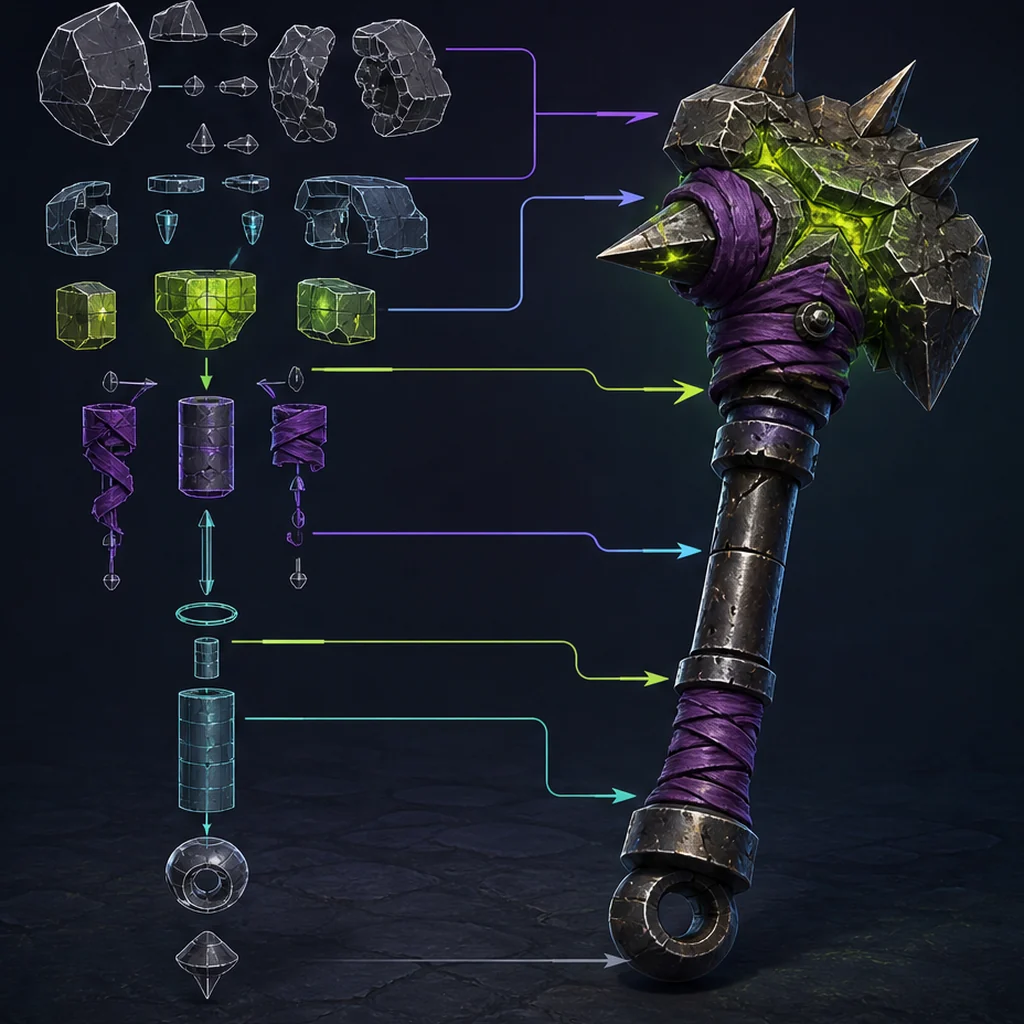
Shared visual rules
guide every asset brief.
Approved anchor assets
show how the rules work in practice.
Batch review
detects style, scale and material drift.
Write rules a reviewer can point to
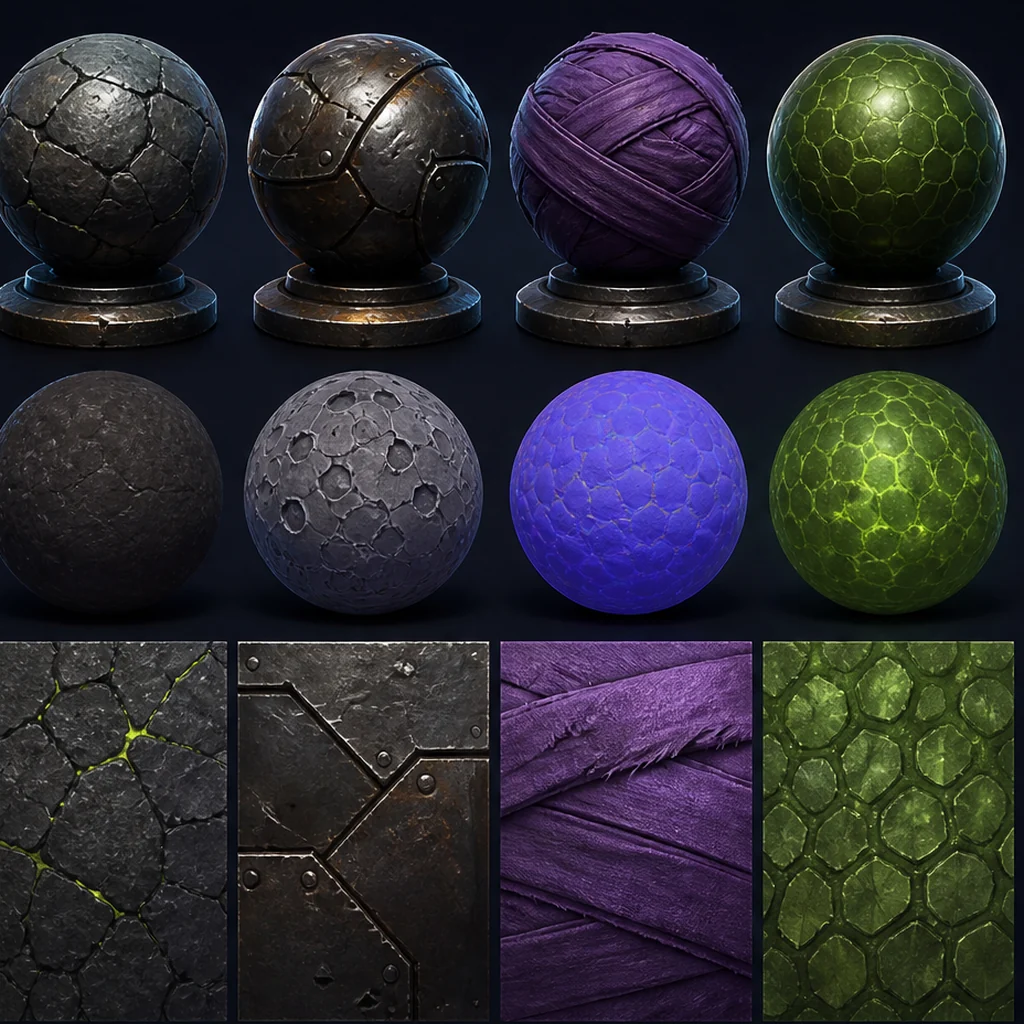
Replace broad labels such as stylized or cinematic with observable decisions: dominant primitive shapes, proportion ranges, corner radii, bevel language, panel density, material families, saturation limits, wear placement and forbidden motifs. Add the gameplay camera and scale family. The grammar should be short enough to use during review and specific enough that two people can explain why an asset belongs or does not.
Build an approved kit before scaling the batch
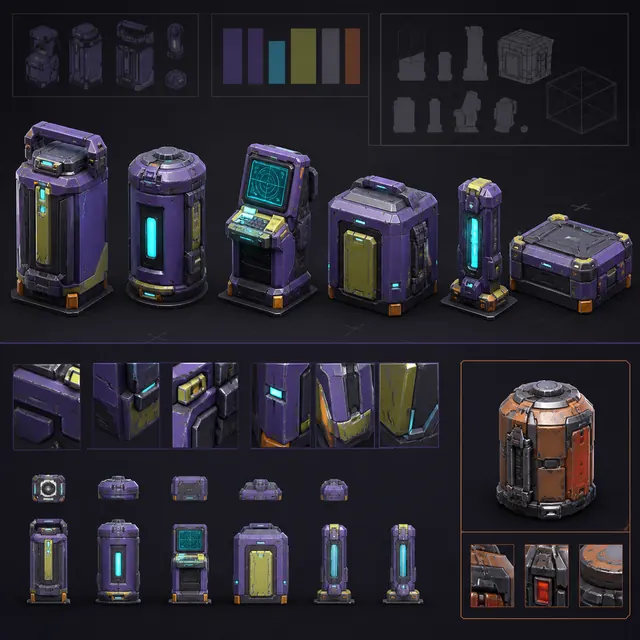
Choose a small set of accepted anchor assets that demonstrate the shape and material rules from several asset classes. Retain their briefs, source rights, generation settings, cleanup notes and editable files. Use detail crops and neutral renders as references, but do not treat one beauty render as the whole standard. A new asset should match construction logic and technical delivery, not copy surface decoration.
Turn the batch rules into a repeatable input with the natural-language 3D brief builder, and retain the accepted wording with each source record.
Freeze variables and review the set together
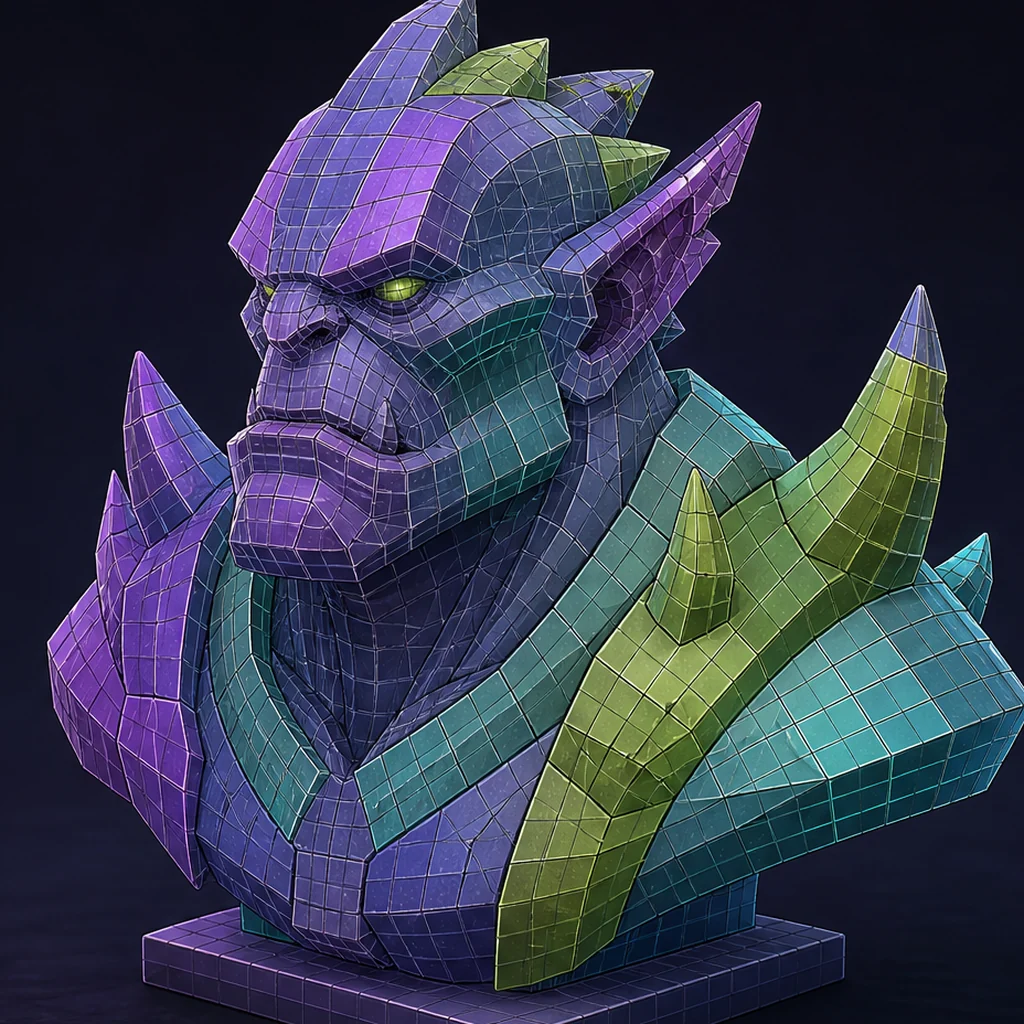
Change one control at a time when testing prompt or reference changes and record model versions. Review silhouettes in a lineup, then compare materials under one neutral rig and final project lighting. Normalize scale, pivots, texel density and material naming before judging polish. Batch review exposes drift that looks acceptable when each object is viewed alone.
Track exceptions instead of hiding them
A hero object may need more detail or a different material budget, but the exception should name its gameplay reason and approval. Record outliers, rejected motifs and corrective edits in the kit so later contributors do not repeat them. When the generator changes, rerun a small anchor set before sending a full backlog through the new version.
Shared wording is easier to enforce when it lives outside a chat window, so keep the batch rules in a reusable prompt library, and let only the asset-specific facts change between runs.
Separate visual consistency from technical sameness
A coherent batch can still contain different topology or material budgets when the gameplay roles justify them.
Share the visual grammar
Keep shape, edge, material and color relationships recognizable across the kit.
Vary production budgets by role
Give hero, interactive and background assets different detail only when cameras and interactions require it.
Normalize the handoff
Use consistent units, pivots, naming, texel-density rules and acceptance records even when art complexity changes.
Build and test a small asset anchor kit
Choose six related props from one project and place their neutral renders in a silhouette lineup. Write no more than ten observable art-direction rules, then have two reviewers independently mark violations. Resolve rules that produce disagreement, normalize scale and material lighting, and repeat the review. Save the accepted lineup as the first anchor kit with model versions and source-rights records.
AI 3D batch-consistency controls
Observable shape and material rules
Approved applications of those rules
Drift across assets and versions
Consistent AI 3D asset-batch checklist
- Define observable shape and material rules.
- Create a rights-cleared approved reference kit.
- Freeze scale, camera and technical delivery constraints.
- Review silhouettes and materials as a batch.
- Record justified exceptions and rerun anchors after model changes.
Questions about style consistency across generated 3D assets
Will using the same prompt keep a batch consistent?
No. Sampling and model changes can produce drift, and identical adjectives do not enforce construction, scale or material rules.
How many anchor assets are needed?
Use the smallest set that demonstrates the important asset classes and rules; add an anchor only when it resolves a recurring ambiguity.
Should an outlier always be rejected?
No. Keep it when a named gameplay or narrative need justifies the exception and the production owner approves it.
Apply this asset production guidance
Apply the shared grammar inside: Turn the art-direction grammar into a structured asset brief. Then refine each asset's role and delivery constraints with: Connect shared rules to each production prompt. The anchor kit remains a review standard, not a substitute for rights and engine checks.
Primary sources & technical references
- Khronos glTF specification and resourcesOpen source ↗
- C2PA technical specificationOpen source ↗
- Blender ManualOpen source ↗
- Unity Manual: importing modelsOpen source ↗
- Unreal Engine documentation: importing contentOpen source ↗