From an asset brief to an accepted export
- 3D asset brief
- Prompt design
- Art direction
- Acceptance criteria
A production brief
defines role, scale, shape and style.
A generator
proposes one or more asset candidates.
Acceptance gates
check topology, materials, collision and export.
Begin with the job the asset performs
“Crate” is a category. “Waist-high cover object for a third-person stealth game, readable at 20 metres” communicates scale, silhouette and camera context. Role prevents detail from accumulating where the player will never see it and helps reviewers judge whether the output solves the intended problem.
Describe construction before decoration
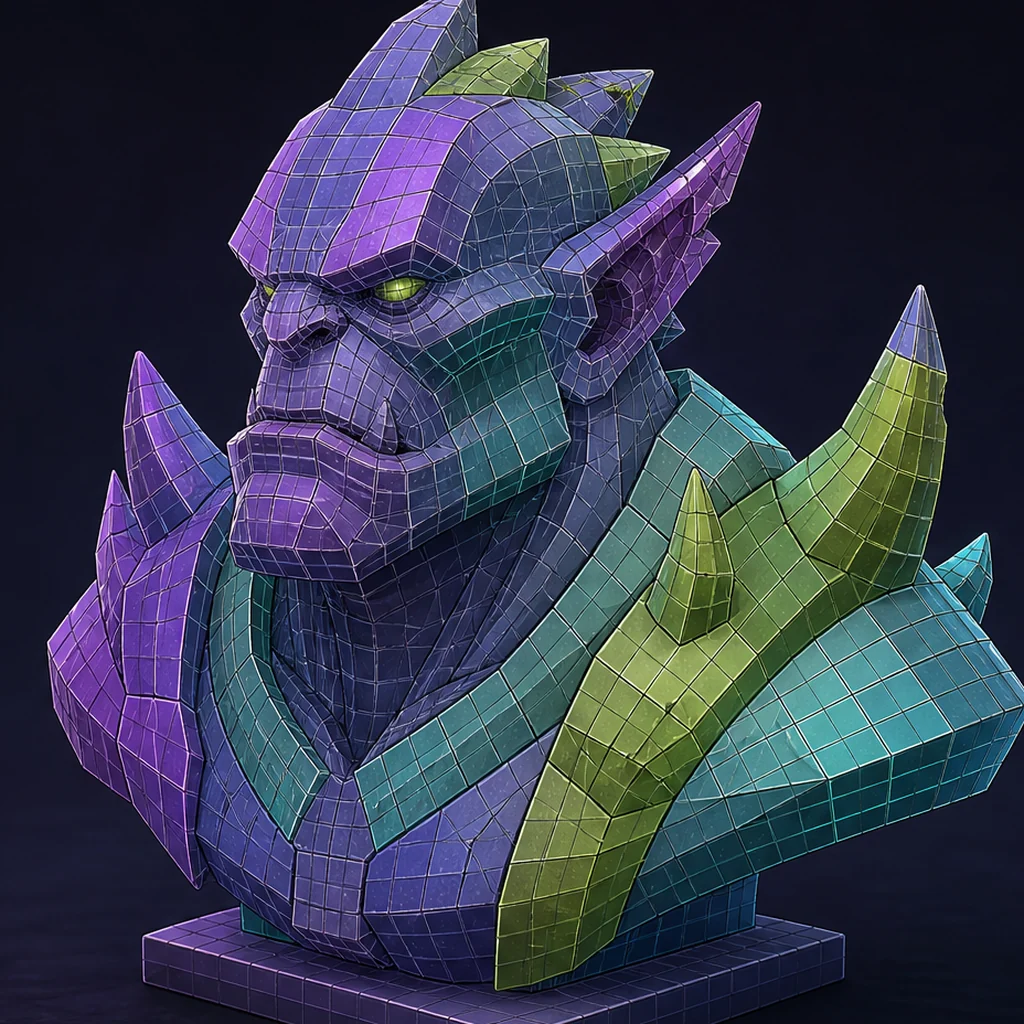
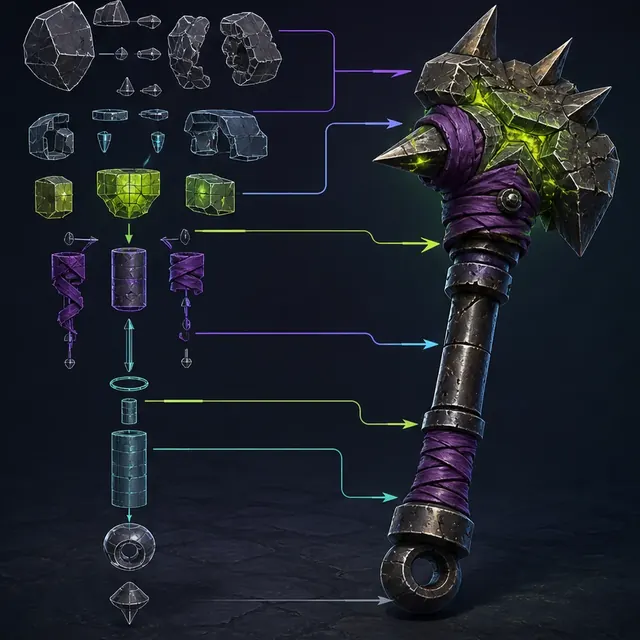
Name primary masses, proportions, joins, openings and symmetry. Then describe the material hierarchy and wear logic. Construction terms produce a more coherent object than unrelated style adjectives. Reserve micro-detail for the texture phase when it does not need to affect silhouette.
The reasons language remains ambiguous are explained in how text-to-3D generation works, so prompt detail can be tied to an actual control problem.
Use an art-direction grammar
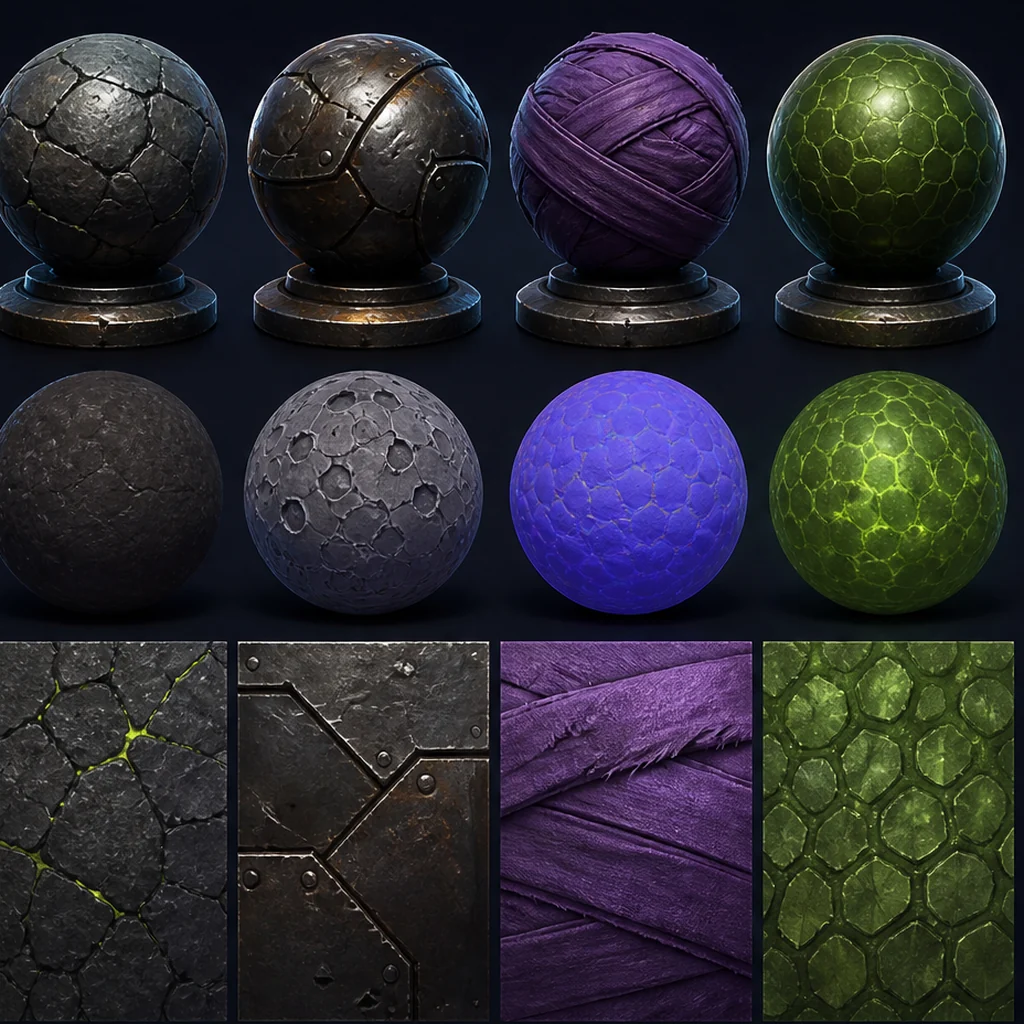
A small set of reusable rules is more reliable than a mood collage alone: edge language, proportion range, shape motifs, saturation ceiling, roughness range and forbidden elements. Apply the grammar to every brief and record which reference images are authorized for use.
Separate generation constraints from delivery gates
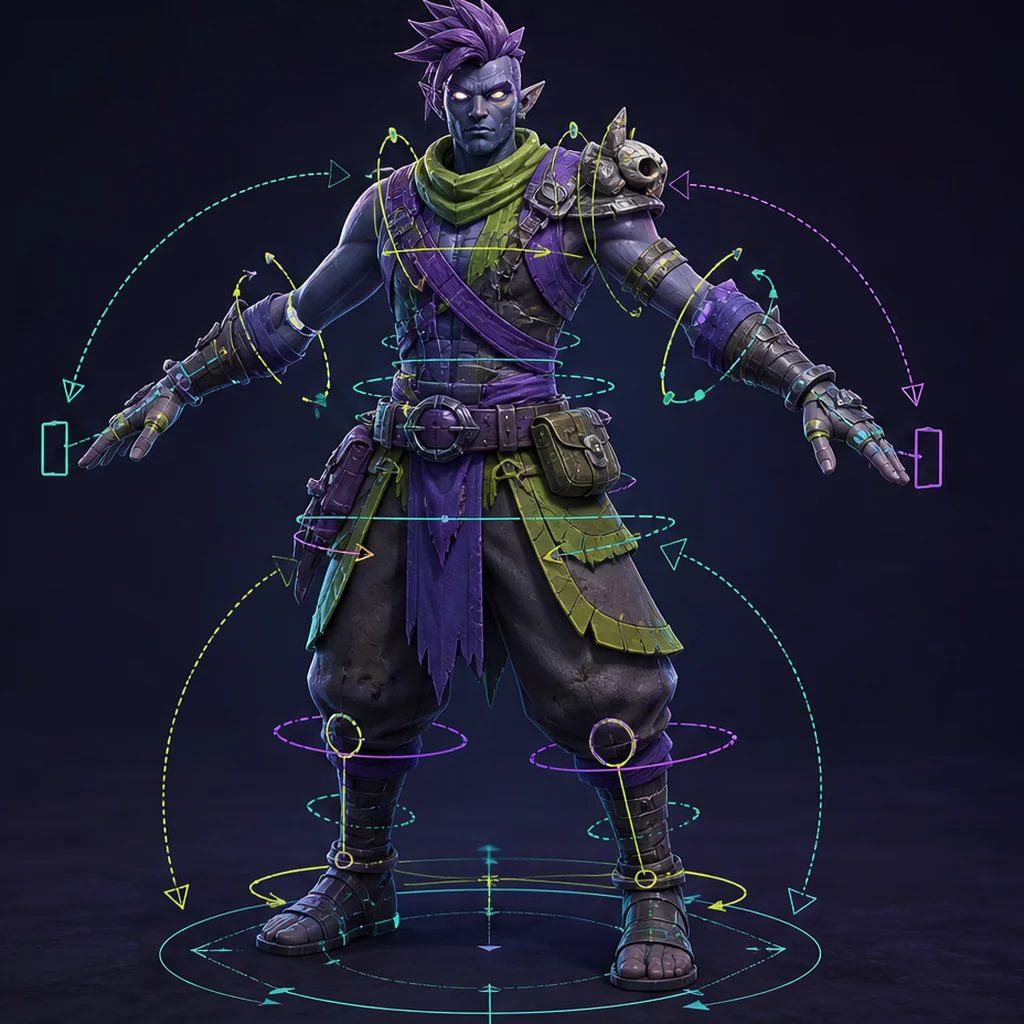
A prompt can request a clean isolated asset and approximate complexity, but the delivered file still needs measured polygon count, orientation, scale, pivot, UVs, material slots, collision and naming. Put these in a machine- or human-readable acceptance sheet beside the prompt.
The underlying habit is not specific to 3D; see how to write better prompts, then add the scale, topology and export gates that only a 3D brief needs.
Test whether a 3D prompt adds control
Rewrite one adjective-heavy prompt as a production brief. Give the asset a gameplay role, scale, viewing distance, three construction rules, two material rules and five delivery gates. Generate both versions under comparable settings. Ask reviewers to score fitness for purpose without knowing which prompt produced which candidate, then record whether added structure reduced cleanup or merely changed visual preference.
3D asset prompt decision framework
Role, silhouette, construction and style
Scale, topology, UV, materials and export
Neutral render plus in-engine test
Production-ready 3D prompt checklist
- State gameplay role and viewing distance.
- Define size and primary silhouette.
- Describe construction and material hierarchy.
- List required and forbidden motifs.
- Attach technical acceptance gates.
Questions about prompting for 3D assets
Should prompts include polygon counts?
Include the target, but verify the exported file because language instructions do not guarantee exact topology.
Are negative prompts useful?
A concise forbidden list can protect art direction; long contradictory exclusions often make the brief harder to interpret.
How can a team test whether a prompt adds control?
Run the same brief several times, change one instruction at a time and compare the exported assets against fixed acceptance gates. This separates repeatable control from a lucky result.
Apply this asset production guidance
Draft and retain the brief in the local composer: Compose a structured 3D asset brief. For the model-side explanation behind prompt ambiguity, read: Understand how text-to-3D generation works. Together they connect language control to measurable output rather than visual preference alone.
Prompts that survive export still need a surface plan; see UV unwrapping and texture baking for generated meshes, before materials are approved.
Primary sources & technical references
- DreamFusion project and paperOpen source ↗
- NVIDIA Magic3D researchOpen source ↗
- Khronos glTF specification and resourcesOpen source ↗