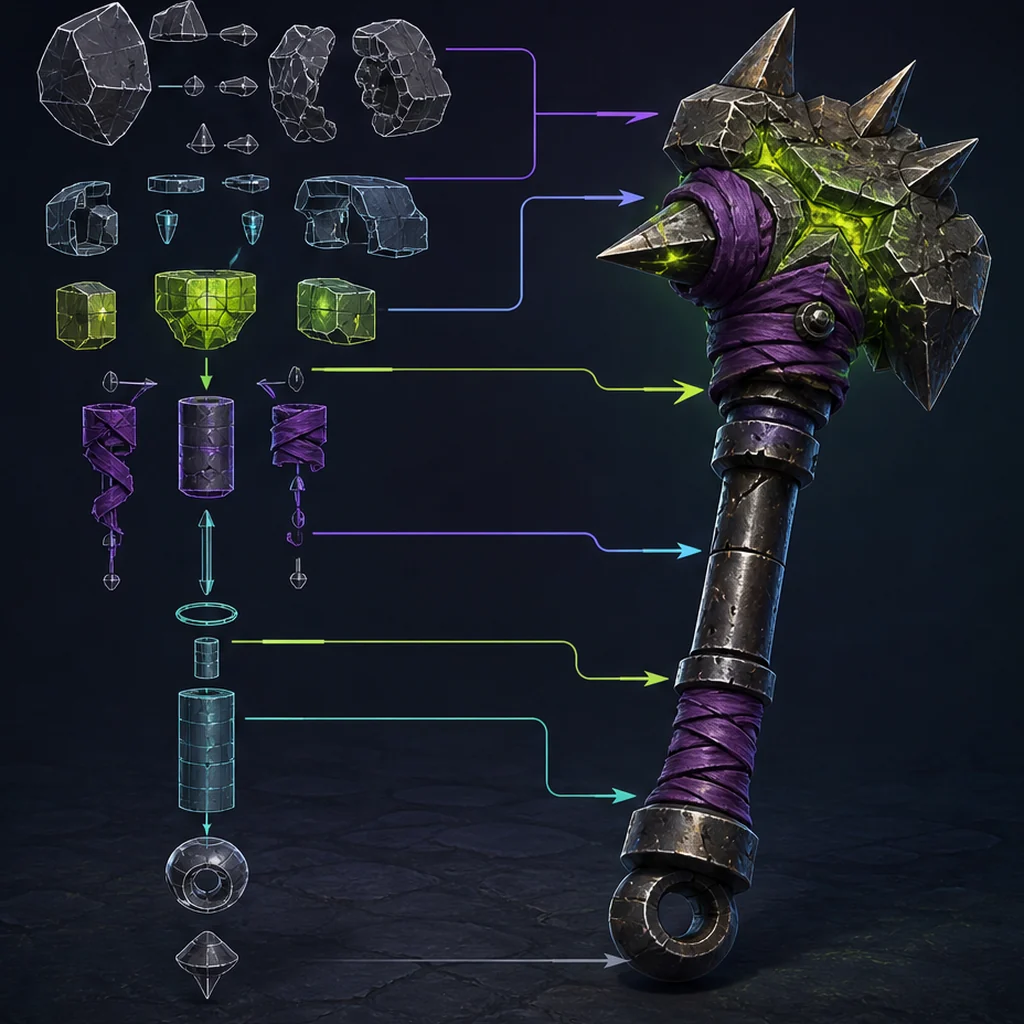
How asset purpose shapes topology and testing
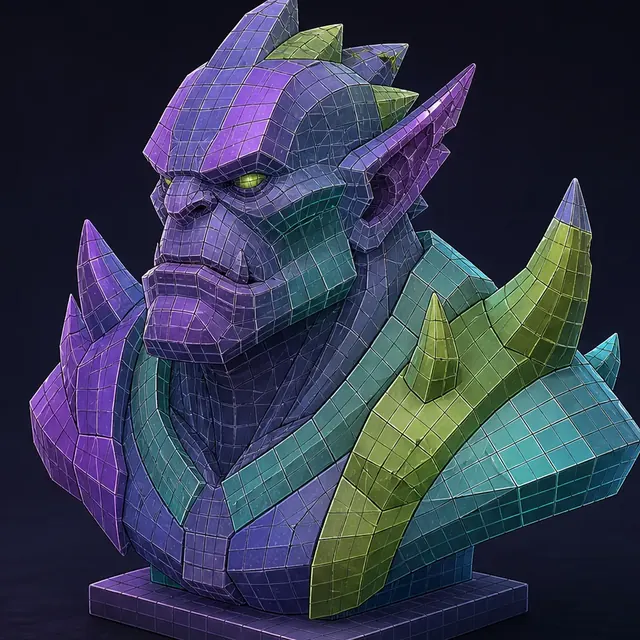
- Mesh topology
- Level of detail
- Collision geometry
- Game-ready asset
Mesh topology
connects vertices, edges and faces.
The asset's job
sets needed detail and edge flow.
Engine validation
tests shading, LODs and collision.
Topology quality is task-dependent
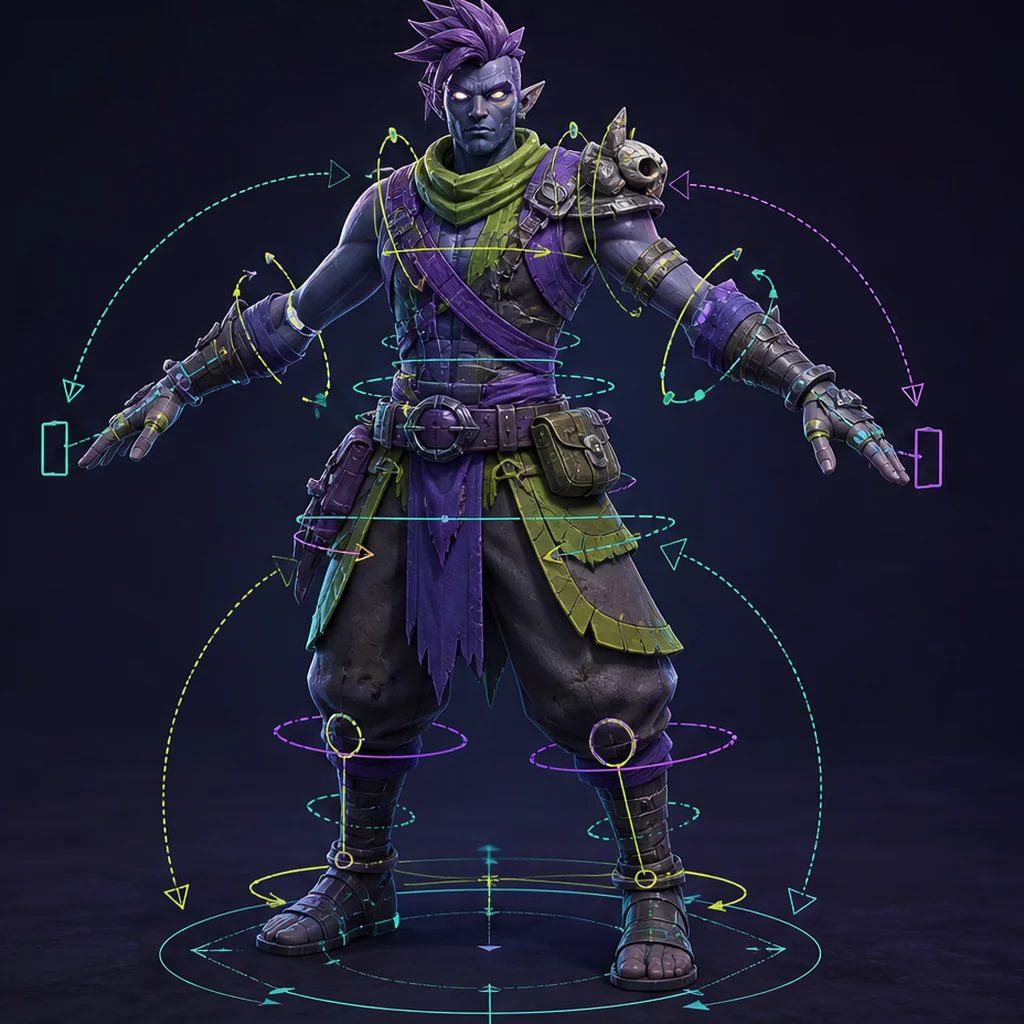
A rigid background prop can tolerate triangles that would be unsuitable around a character's shoulder. A hero face needs loops that preserve expression, while a distant rock mainly needs a clean silhouette. Set the asset class and camera distance before calling any polygon count good or bad.
Audit geometry before retopology
Check duplicate vertices, non-manifold edges, internal faces, zero-area polygons, inverted normals, extreme thin triangles and disconnected fragments. Generated assets may contain detail that looks continuous when textured but is actually layered or self-intersecting. Repair or rebuild according to the asset's role.
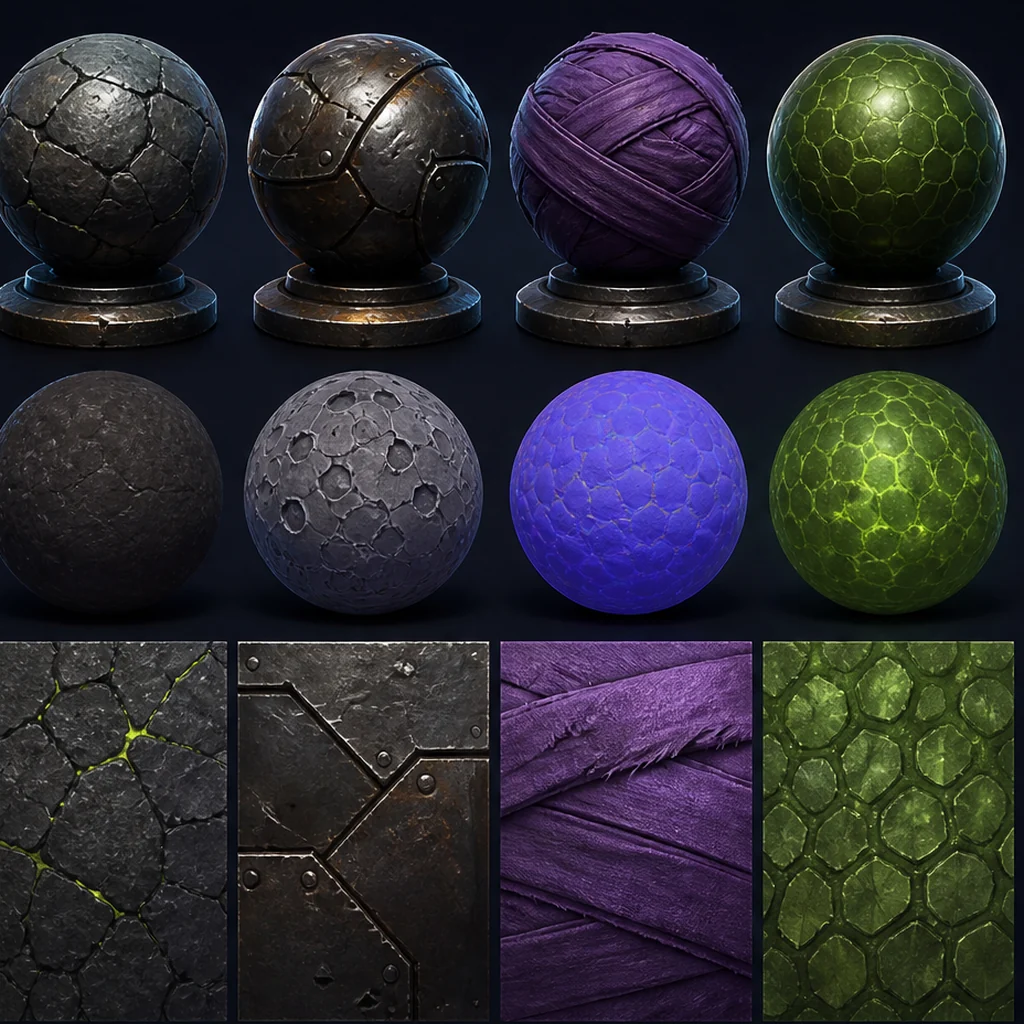
After geometry review, continue with PBR material validation, because normals, UVs and material channels must survive the same engine test.
Plan normals, UVs and materials together
Shading depends on topology, smoothing decisions and tangent space. UV seams should follow hidden or natural boundaries, and texel density should match importance. Too many material slots increase draw-call and authoring complexity; consolidate when the visual result permits.
Validate with LODs and collision
Create lower-detail versions by protecting the silhouette and large features. Test transitions at real camera distances instead of a modeling viewport. Use simple collision primitives when possible; visual geometry is rarely the best collision mesh. Measure the asset inside representative scenes.
Set budgets for the lowest target device
A mesh that works on a desktop test scene may still miss a mobile, standalone XR or low-spec target. Geometry must be reviewed with materials, visibility and the complete scene budget.
Test gameplay distance
Protect the silhouette the player can see instead of spending geometry on detail that disappears at the expected camera range.
Measure representative scenes
Profile repeated assets, shadows, materials and animation together. An isolated turntable cannot show the production cost.
Keep platform-specific LODs
Use different reduction or streaming plans when target hardware and cameras create meaningfully different constraints.
Inspect a generated mesh under production tests
Duplicate one generated mesh before cleanup. On the first copy, run only an automatic repair or remesh. On the second, protect the gameplay silhouette and manually address shading and deformation-critical areas. Put both through the same neutral render, UV check, LOD transition and engine scene. Time every step so the team can decide where automation helps and where directed retopology returns measurable value.
Mesh topology acceptance criteria
Prioritize silhouette and shading
Prioritize edge flow and weights
Validate in the target scene
Game-ready mesh topology checklist
- Run manifold and normal checks.
- Inspect silhouette at gameplay distance.
- Verify UV overlap and texel density.
- Test LOD transitions under motion.
- Use purpose-built collision and measure frame cost.
Questions about game-ready mesh topology
Are triangles bad?
No. Games render triangles. The concern is placement, density, shading and deformation behavior.
Does automatic retopology finish the job?
It can create a strong base, but important deformation, shading and UV areas still need inspection.
What does game-ready mean for a 3D mesh?
It means ready for a named role, camera distance, animation need, platform and engine pipeline. There is no universal triangle count or topology pattern that makes every mesh game-ready.
Apply this asset production guidance
Translate the topology review into measurable planning limits: Plan LOD and scene triangle budgets. When Unity is the destination, follow the repaired source through: Move the validated mesh into Unity. Do not approve the mesh until the LODs, collision and import survive the representative scene.
Topology is only half of engine readiness; the collision, scale and pivot checks, catch the problems that appear on placement.
Primary sources & technical references
- Blender ManualOpen source ↗
- Khronos glTF specification and resourcesOpen source ↗
- Unity Manual: importing modelsOpen source ↗
- Unreal Engine documentation: importing contentOpen source ↗