How transforms, pivots and collision make an asset interactive
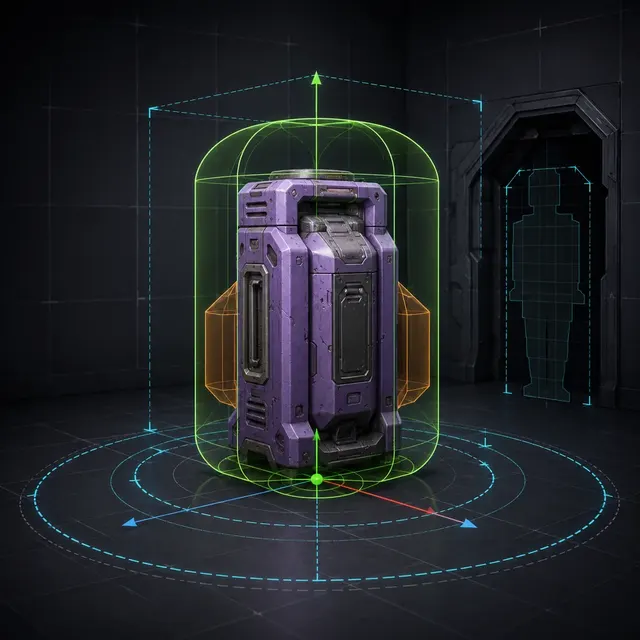
- Collision geometry
- Pivot point
- Transform
- World scale
- Physics body
- Navigation mesh
Project scale and axes
place the asset consistently in world space.
A task-specific pivot
controls snapping, rotation and assembly.
Purpose-built collision
supports movement, physics, traces and navigation.
Real scale is a gameplay contract
A visually convincing prop can arrive a hundred times too large, face the wrong direction or contain unapplied transforms. Compare it with a known project ruler such as a doorway, character capsule or grid module. Record the source units and engine conversion instead of correcting scale by eye in every scene. Negative or non-uniform scale can also affect normals, children, physics and collision behavior, so normalize the authoritative source before multiplying instances.
Place the pivot for the operation the asset performs
A floor prop usually needs a grounded origin that snaps predictably. A door needs its hinge axis; a wheel needs its rotation center; a modular wall needs a grid-aligned placement point. The geometric center is not automatically useful. Test rotation, duplication and snapping in a small assembly. If the engine import path resets or transforms origins, define the export convention and include a reference asset in regression checks.
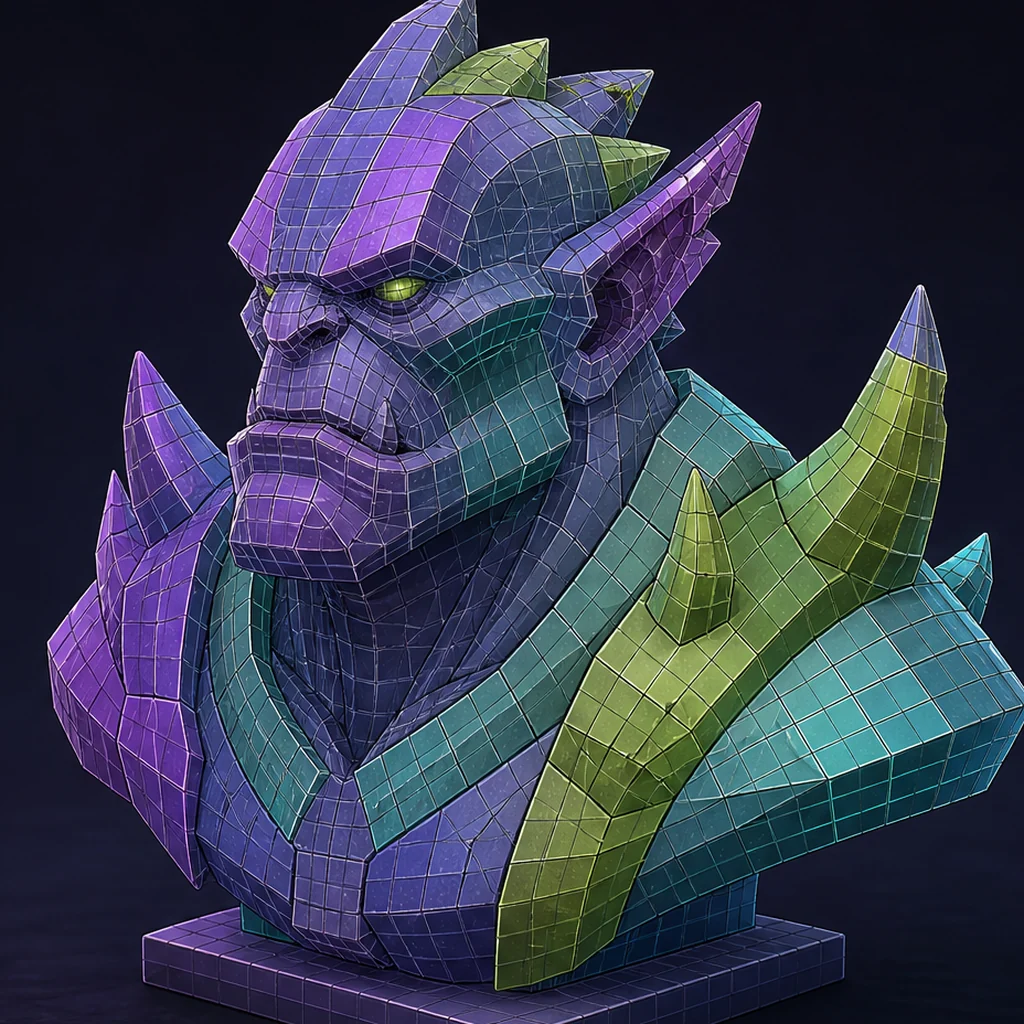
Use the game-ready topology guide, to keep visual geometry decisions separate from simplified gameplay collision.
Collision should answer gameplay questions cheaply
Use boxes, capsules, spheres or a small set of convex hulls when they preserve player movement, projectiles and physics contacts. A concave doorway may need several convex pieces so the opening remains passable. Visual triangles are rarely the right default collision because they add detail the simulation does not need and can behave differently for static and moving objects. Name custom collision according to the destination importer and inspect the generated result.
Validate contacts, traces and navigation together
Walk a character around and through the asset, fire representative traces, drop physics objects, test attachment sockets and rebuild navigation. Watch for invisible steps, snagging corners, blocked openings and gaps between the visible surface and collision. Repeat after LOD or source changes even when the renderer looks identical. Store collision complexity and pivot rules as part of the asset class so later generated props follow the same interaction contract.
Test two assets against real gameplay contacts
Import one generated doorway and one movable crate beside a known character controller. Normalize scale, set useful pivots and compare automatic collision with a small hand-built convex set. Test walking, projectiles, physics drops, grid placement and navigation. Record which contacts fail and choose the least complex collision that preserves every required interaction.
Scale, pivot and collision decisions
Connects source dimensions to the game world
Controls placement, snapping and rotation
Defines physical and query interactions
Generated 3D asset interaction checklist
- Compare dimensions with a trusted in-engine scale reference.
- Normalize or document transforms and axes.
- Place the pivot for snapping, rotation or assembly.
- Build the simplest collision that preserves gameplay.
- Test movement, traces, physics and navigation in the target engine.
Questions about collision, scale and pivots
Should collision copy the visible mesh?
Usually not. Purpose-built primitives or convex hulls are cheaper and often produce more predictable gameplay contacts.
Where should a prop pivot be placed?
At the point needed for placement or motion: often bottom-center, a grid corner, hinge or rotation axis.
Can the engine auto-generate collision?
It can provide a starting point, but openings, thin parts and interaction-critical shapes still need direct tests.
Apply this asset production guidance
Decide what the render mesh must preserve with: Separate render topology from collision needs. Once conventions are stable, enforce measurable parts through: Automate stable scale and naming rules. Final acceptance still happens through movement and interaction in the game scene.
Primary sources & technical references
- Unreal Engine: FBX static mesh pipelineOpen source ↗
- Unity Manual: importing modelsOpen source ↗
- Godot documentation: importing 3D scenesOpen source ↗
- Khronos glTF specification and resourcesOpen source ↗