From a raw generated mesh to an engine-checked source
- Blender
- Mesh cleanup
- Retopology
- Non-manifold geometry
- 3D asset pipeline
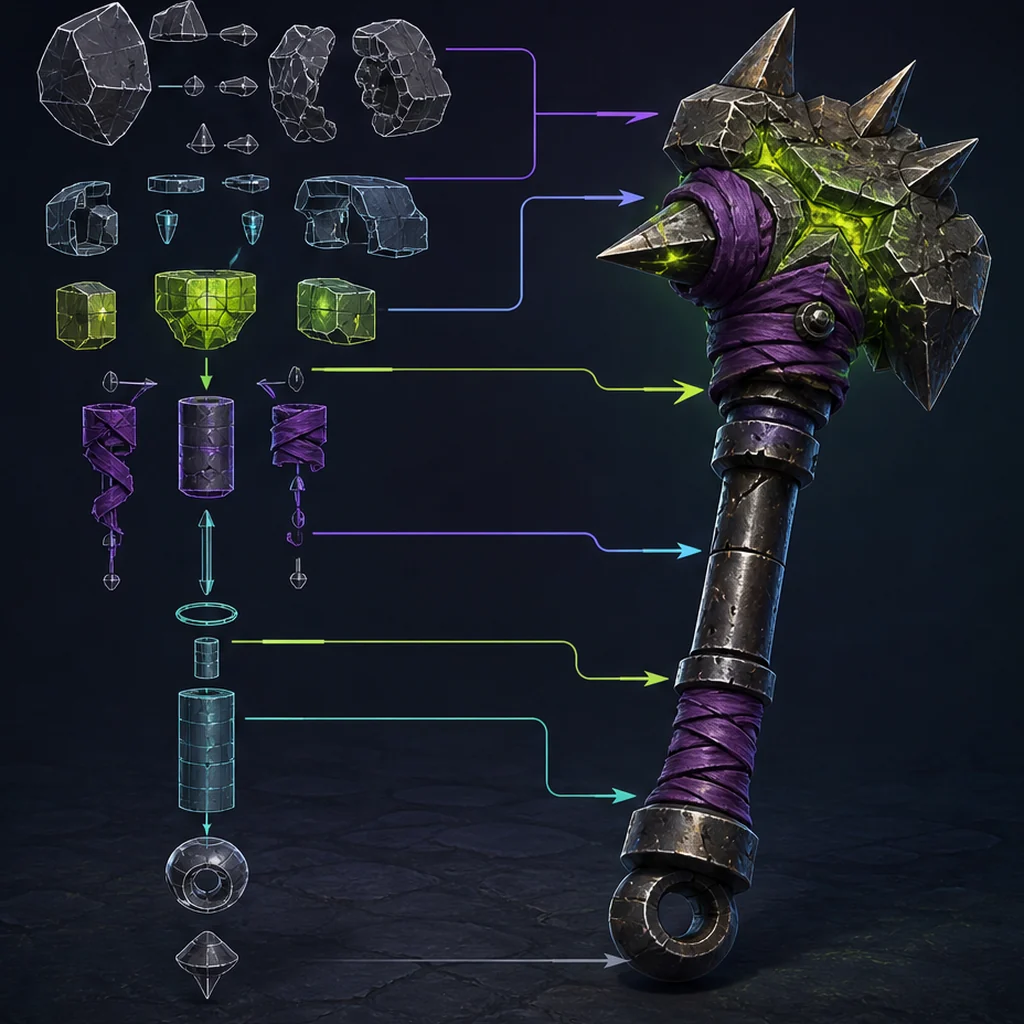
The raw export
preserves the original geometry and production evidence.
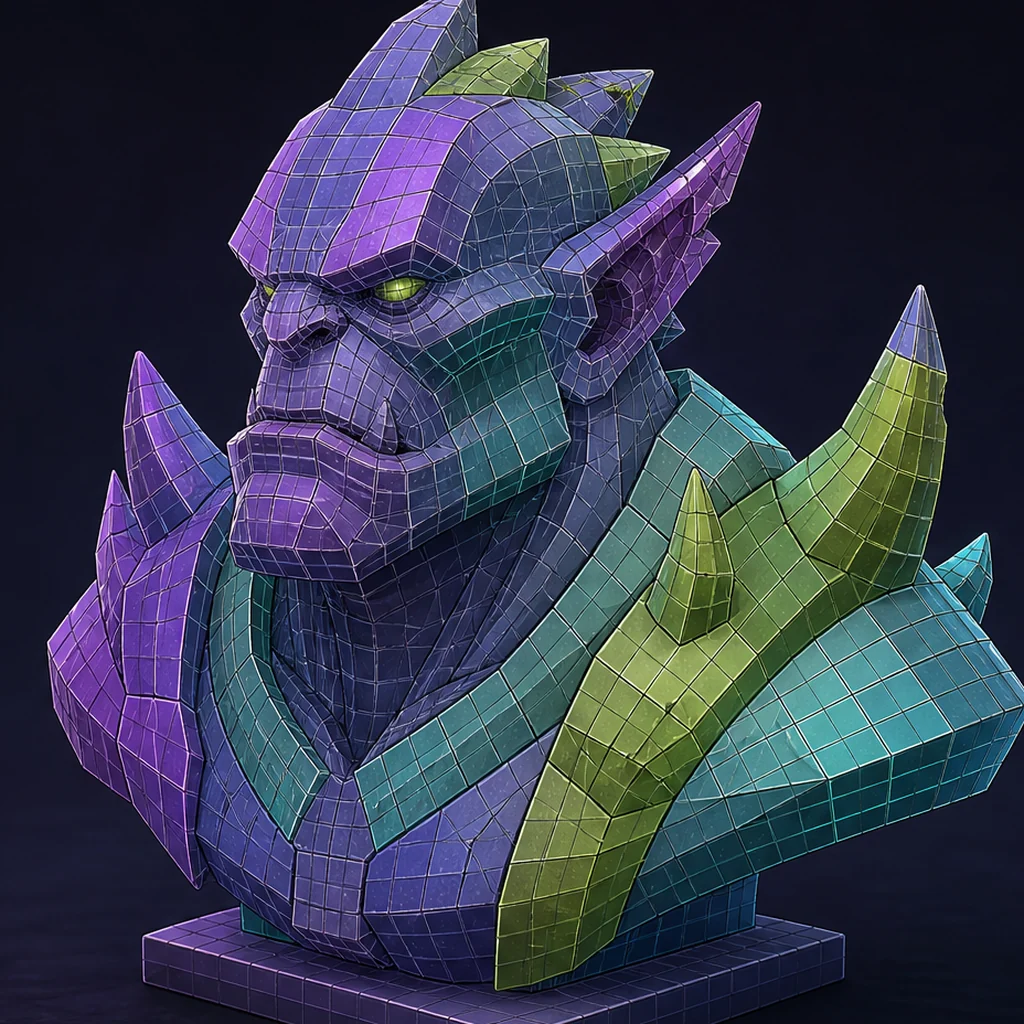
A Blender cleanup pass
repairs defects required by the asset role.
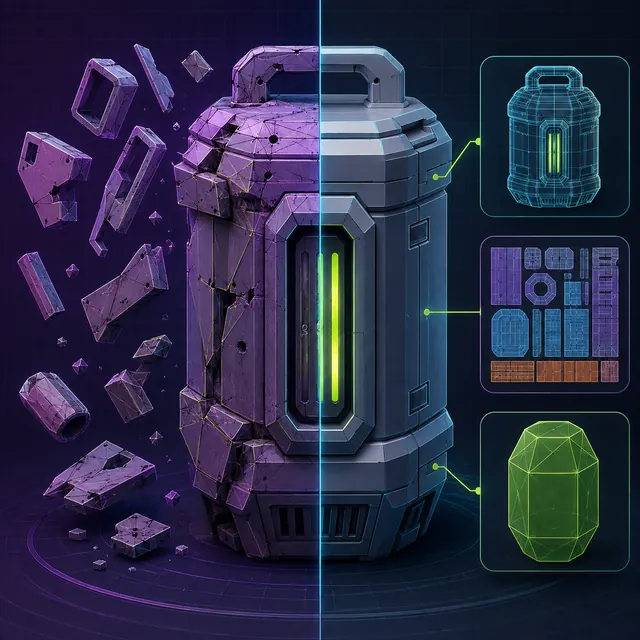
A round-trip test
checks whether export and engine import preserve the result.
Repair, remesh and retopology compared
Choose the smallest intervention that satisfies the asset contract and survives export.
| Method | Best fit | Main risk | Proof needed |
|---|---|---|---|
| Localized repair | Usable structure with isolated defects | Hidden defects remain | Geometry audit and round trip |
| Automatic remesh | Static form needing regularized geometry | Silhouette and hard edges soften | Neutral comparison and LOD test |
| Directed retopology | Deformation or shading-critical asset | Higher manual cost | Deformation, shading and timed cleanup record |
Preserve the raw export and define the asset job
Keep the original file untouched and duplicate it into a working source. Record the generator, version, export format and any warnings before changing geometry. Then name the gameplay role, expected camera distance, deformation needs and lowest target platform. A background rigid prop, a hero weapon and a skinned character do not need the same topology, so the repair plan must begin with the job rather than a universal polygon target.
Expose defects before changing the silhouette
Apply or document transforms, check real-world dimensions and inspect the object from every side with a plain material. Use face-orientation, normal, wireframe and non-manifold checks to find flipped faces, internal shells, zero-area polygons, loose fragments and accidental holes. Blender's cleanup operators can remove loose or degenerate geometry and merge nearby vertices, but each operation needs a conservative selection and visual check so separate parts are not welded by mistake.
Use the game-ready mesh-topology guide, to turn visible defects into asset-specific acceptance criteria.
Choose repair, remesh or directed retopology
Repair localized defects when the surface flow and silhouette are already usable. A remesh can produce a more regular surface for static forms, but may soften hard edges, erase thin parts or create unnecessary density. Directed retopology is slower but gives control around joints, shading breaks and silhouette-critical areas. Compare the result against the untouched copy so a technically cleaner surface does not quietly change the design.
Finish the exchange file and prove reimport
Recalculate or author normals deliberately, mark hard edges and UV seams, inspect tangent-space shading, and check that material slots have production meaning. Add simple collision and LOD sources where the engine workflow expects them. Export to the chosen interchange format, reopen the file in a clean Blender scene and import it into the target engine. Store warnings and cleanup minutes beside the accepted source instead of replacing the evidence with a final screenshot.
Compare three Blender cleanup strategies
Take one untouched generated rigid prop and create three timed copies: conservative cleanup, automatic remesh and directed retopology around the silhouette and shading breaks. Give every copy the same material, collision and export settings. Compare the neutral render, round-trip warnings, LOD behavior and hands-on minutes. Keep the rejected versions so the result shows which operation saved work rather than only which final image looks cleanest.
Choose the least destructive cleanup path
Fix localized defects without changing useful structure
Rebuild surface distribution with less manual control
Author edge flow for a defined production need
Blender generated-mesh cleanup checklist
- Preserve the untouched generator export.
- Confirm units, orientation and gameplay role.
- Inspect non-manifold, loose, degenerate and internal geometry.
- Validate normals, UVs and material slots.
- Round-trip the final exchange file through the target engine.
Questions about cleaning generated 3D assets in Blender
Can Blender automatically make any generated mesh game-ready?
No. Cleanup tools can remove known defects, but only the asset role and engine test can determine whether the result is usable.
Should every generated mesh be fully retopologized?
No. Retopology is justified when deformation, shading, silhouette, UV or performance needs cannot be met by controlled repair.
Why keep the raw export?
It preserves evidence, makes changes reviewable and lets the team compare cleanup cost across tools and versions.
Apply this asset production guidance
Define the destination quality gate with: Set topology acceptance criteria before cleanup. Then choose what the cleaned source must preserve through: Choose the exchange format before export. The cleanup result is accepted only after the round trip and engine scene agree with the asset contract.
Primary sources & technical references
- Blender Manual: mesh cleanup toolsOpen source ↗
- Blender Manual: editing mesh normalsOpen source ↗
- Khronos glTF specification and resourcesOpen source ↗
- Unity Manual: importing modelsOpen source ↗
- Unreal Engine documentation: importing contentOpen source ↗