From a generated source to a stable Godot scene
- Godot Engine
- glTF
- GLB
- 3D scene import
- Collision shape
- Level of detail
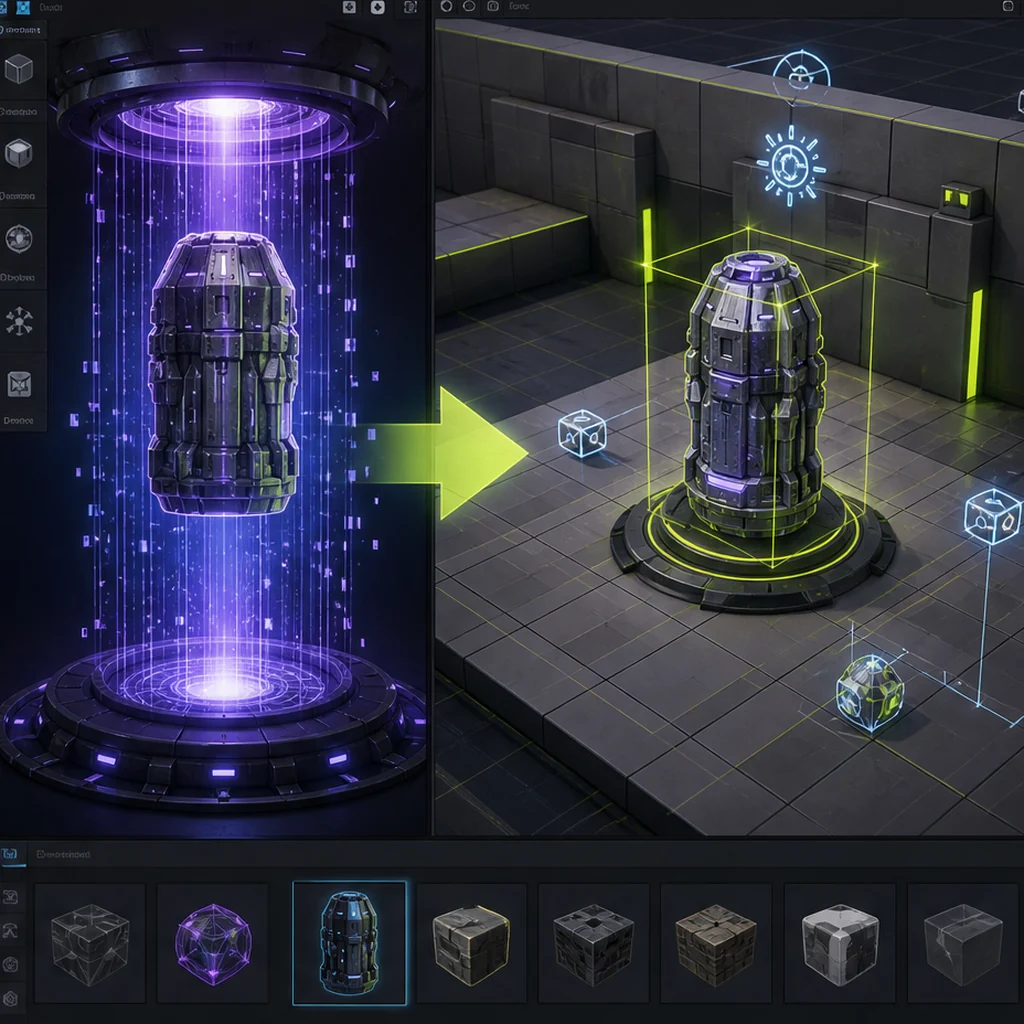
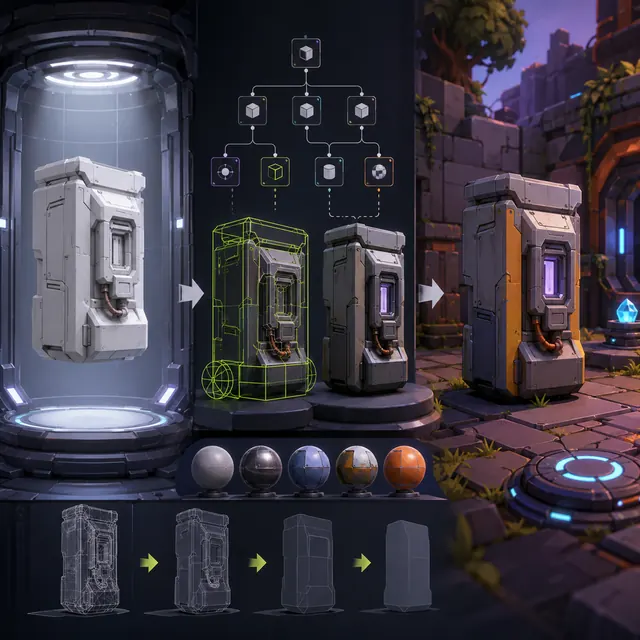
A cleaned source
exports a tested exchange file.
Godot's importer
creates derived meshes, materials and animations.
A wrapper scene
owns collision, scripts and gameplay references.
Normalize the source before Godot sees it
Keep the raw generated file and create a cleaned working source in a DCC tool. Confirm scale, +Y up conventions, forward direction, transforms, pivots, normals, UVs, material slots and animation names. Godot recommends glTF 2.0 for 3D scene interchange in its documented pipeline, but a recommendation is not proof that a particular generator export is correct. Round-trip the file before committing it.
Treat the imported scene as derived data
Place the source file and its dependencies inside the project so Godot can import them. Configure materials, mesh options, animations and other rules through the import system and advanced import settings. Build gameplay behavior in an inherited or wrapper scene. This separates generator output from collision, scripts and project-specific nodes and makes a later re-export less likely to erase manual work.
Choose what the handoff must preserve with the 3D format comparison, before treating a successful import as complete pipeline proof.
Add collision, naming and LODs deliberately
Generated render geometry is rarely an ideal physics shape. Use simple collision primitives where the interaction permits and test the character controller against them. Keep node names stable when project automation depends on suffixes or import scripts. Inspect lower-detail meshes at gameplay distance and verify that reduction does not remove thin silhouette features or break material boundaries.
Build a reusable Godot validation scene
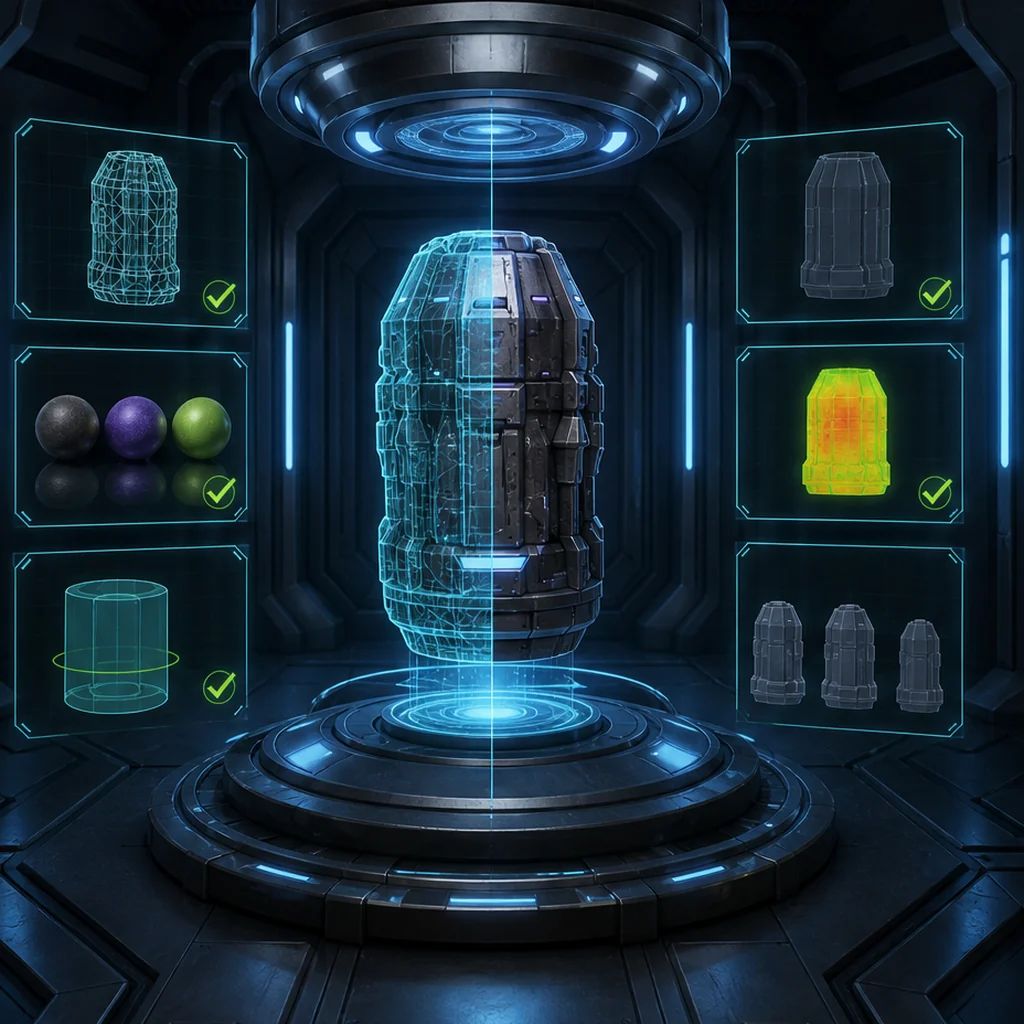
Use neutral and project lighting, a scale reference, moving camera, collision visualization, representative animation and a repeated-asset area. Record import warnings, shader differences, texture memory and frame behavior on the lowest target device. Re-export the source after one harmless change and confirm that the wrapper scene, materials and gameplay references remain intact.
Build a reusable Godot asset-validation scene
Create a Godot validation scene with a scale figure, neutral light, project light, moving camera, collision test and repeated copies of one asset. Import an untouched generator export and a normalized GLB. Capture warnings, node structure, material differences and target-device behavior. Then make a harmless source change and reimport both versions to reveal whether manual scene work survives.
Godot AI 3D asset pipeline decisions
Clean DCC file and retained raw export
Tested glTF or GLB and dependencies
Imported content wrapped with gameplay behavior
Godot AI-generated asset import checklist
- Preserve raw and cleaned source files.
- Test a glTF or GLB round trip.
- Keep gameplay nodes in a wrapper or inherited scene.
- Create purpose-built collision and LODs.
- Repeat validation after source and engine upgrades.
Questions about AI-generated 3D assets in Godot
Which format should I use for Godot 3D assets?
Godot documents glTF 2.0 as its recommended scene format, but the correct choice still depends on the source tool, required features and a real round-trip test.
Should I edit the generated imported scene directly?
Prefer import settings plus a wrapper or inherited scene so source reimports do not erase project-specific work.
Can Godot load 3D models at runtime?
Godot documents runtime glTF loading, but user-supplied files require security, resource and performance controls beyond an editor import.
Apply this production & trust guidance
Define the interchange contract with: Choose and round-trip the Godot handoff format. Repair the editable source through: Clean the generated source before import. Only then attach gameplay behavior in a wrapper scene and test reimport.
Primary sources & technical references
- Godot documentation: importing 3D scenesOpen source ↗
- Khronos glTF specification and resourcesOpen source ↗
- Blender ManualOpen source ↗
- Blender Manual: mesh cleanup toolsOpen source ↗