What generative 3D takes in, creates and tests
- Generative 3D
- 3D computer graphics
- Game development
- 3D asset pipeline
Text, images or rules
guide a generative 3D system.
The system
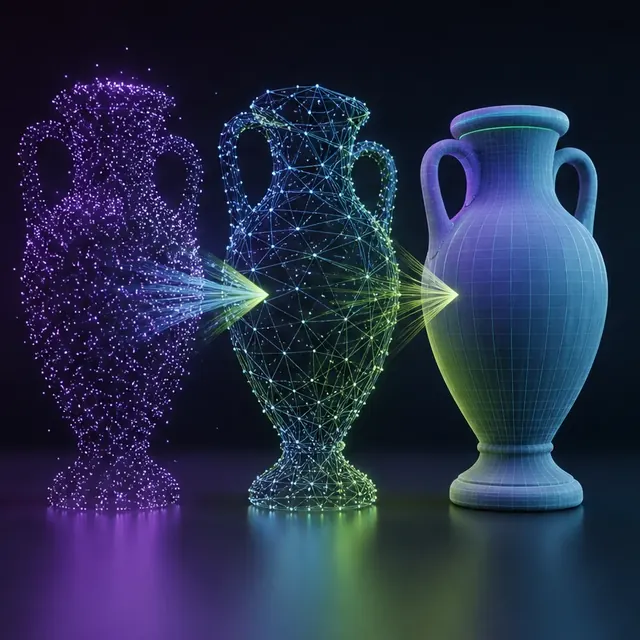
creates a mesh, field, splat, material or scene.
The game pipeline
tests the output before it can ship.
One label, several different outputs
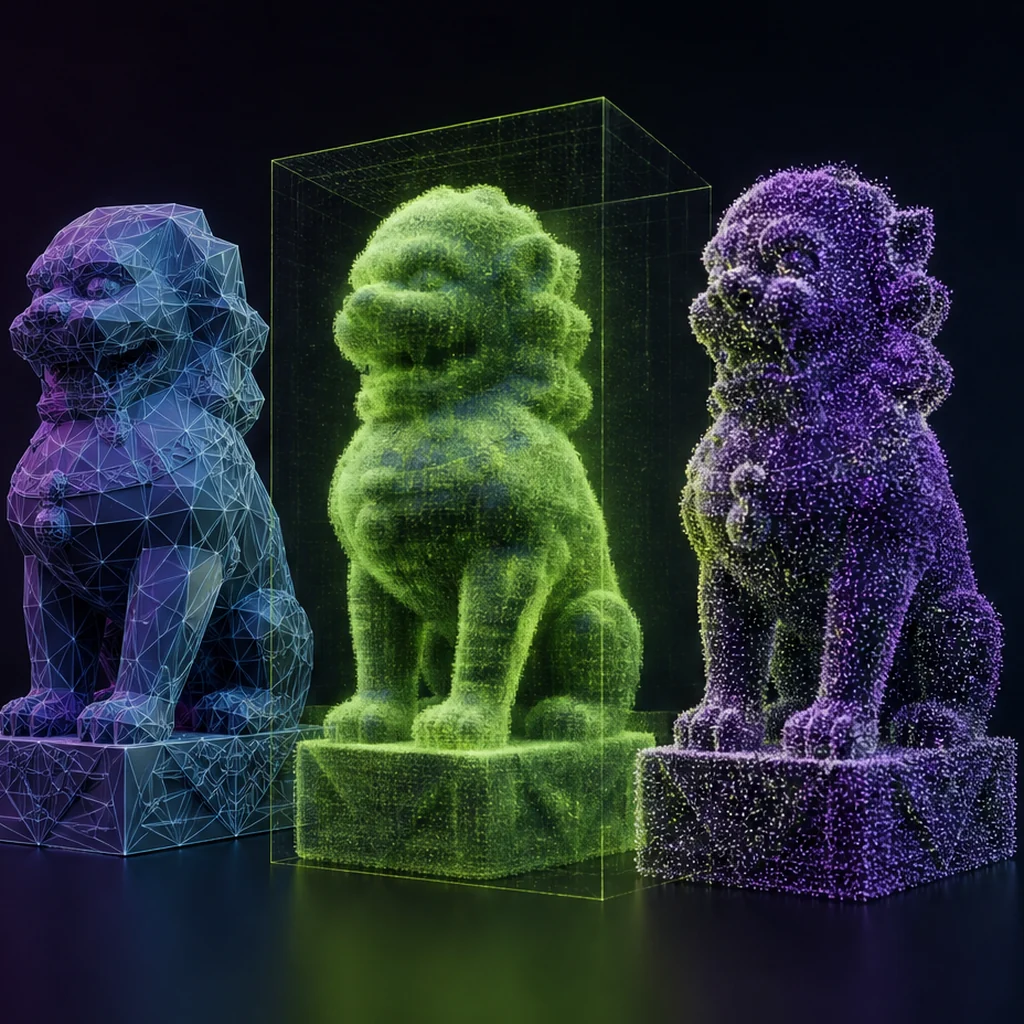
A polygon mesh exposes vertices, faces and often UV coordinates. A neural radiance field encodes how a scene looks from viewpoints. A Gaussian-splat representation uses many oriented primitives to reproduce captured appearance. These formats can all render something three-dimensional, but they differ in memory, editing, animation, collision and deployment. Before comparing tools, name the output representation and the job it must perform.
Generation and reconstruction are related, not identical
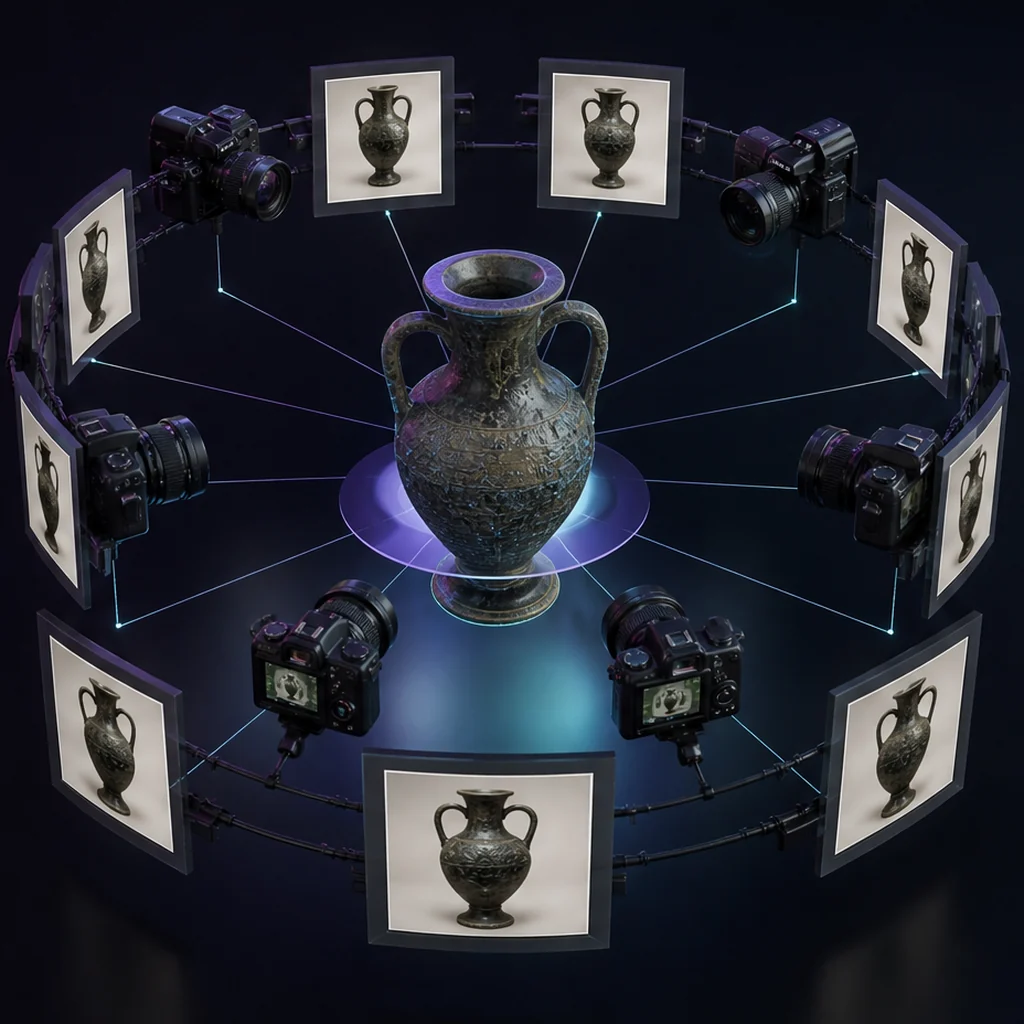
Text-conditioned generation proposes content that did not have to exist. Image or video reconstruction estimates geometry and appearance from observations of something that did. Hybrid systems blur the boundary, yet the distinction matters: reconstruction quality depends on coverage and calibration, while open-ended generation must also resolve ambiguity in the prompt.
Representation choice becomes concrete in the mesh, NeRF and Gaussian-splat comparison, which connects spatial format to gameplay needs.
Game readiness is a chain of tests
A clean preview is only visual evidence. A shipping review also checks units, orientation, silhouette at gameplay distance, manifold geometry, material channels, UV behavior, collision, pivot placement, LODs and performance on target hardware. Characters add deformation, rig, skin weights and animation compatibility. Record each gate instead of collapsing them into one quality score.
Where the technology creates real leverage
Generative methods are strongest when they increase the number of useful iterations: early blockouts, reference exploration, background props, material variations and reconstruction of controlled captures. The economic question is total accepted-asset time, including prompting, retries, cleanup, review and integration - Not seconds to the first render.
Choose the delivery format before generation ends
The internal 3D representation and the file delivered to a game pipeline are separate decisions. A conversion can lose hierarchy, material data, units or editability even when the image still looks right.
Name the editable source
Keep the richest source representation needed for repair, retopology, material work or rigging instead of preserving only a viewer export.
Define the exchange file
State the required mesh, material, animation and metadata features before choosing glTF, FBX or another pipeline format.
Run a round-trip check
Export the asset, reopen it in a clean tool and import it into the target engine. Record anything that changes along the way.
Compare a 3D output with its game requirements
Choose one object from a current project and write down the representation you actually need at delivery: an editable mesh, a captured scene, a rigged character or a material. Add collision, relighting, animation and target-device requirements. Now review three generative demos and record only the evidence each one provides toward that deliverable. This exercise usually reveals that visually similar outputs solve different production problems.
Choose a generative 3D output by production need
Text, image, video, sketch or constraints
Mesh, field, splats, points, materials or scenes
In-engine behavior, not a turntable alone
Generative 3D evaluation checklist
- Identify the output representation.
- Define the intended gameplay role and viewing distance.
- Measure cleanup and integration time.
- Validate rights, provenance and tool terms.
- Test the final asset in the target engine.
Questions about generative 3D
Does generative 3D always use AI?
Modern usage usually implies learned models, though procedural generation can also synthesize 3D content without a neural model.
Can one model generate a complete game?
A demonstration may compose several outputs, but a maintainable game still needs coherent rules, assets, code, tests and production ownership.
What inputs can a generative 3D system use?
Depending on the system, inputs can include text, one or more images, video, sketches, existing geometry or structured rules. The input type changes what the system observes and what it must infer.
Apply this 3d ai foundations guidance
Choose the input path before comparing generators: Turn natural language into a 3D production brief. Use the second route when visual evidence matters more than an open-ended description: Plan an image-to-3D reconstruction input set. Both paths should end with an exported deliverable and a named acceptance test.
For the data and metrics behind these systems, read how generative 3D models are trained and evaluated, before trusting a benchmark claim.
Primary sources & technical references
- DreamFusion project and paperOpen source ↗
- OpenAI Shap-E repository and paperOpen source ↗
- NVIDIA GET3D researchOpen source ↗
- Khronos glTF specification and resourcesOpen source ↗