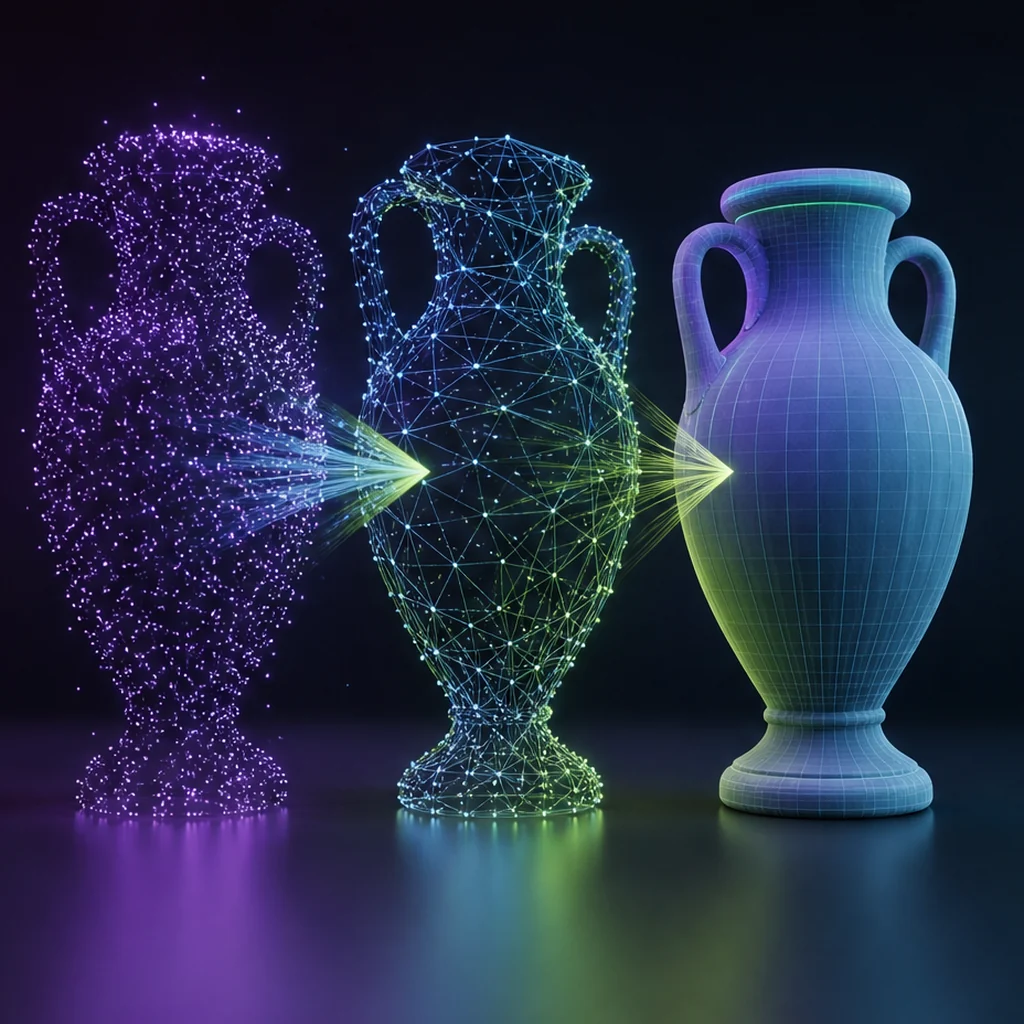
From a text prompt to an engine-tested asset
- Text-to-3D
- Natural-language prompt
- 3D representation
- Game asset
A text prompt
describes visual intent and production limits.
A text-to-3D model
turns language into a spatial result.
An engine test
checks whether the exported asset is usable.
The prompt becomes a target, not a blueprint
Language usually conditions a probability distribution rather than specifying exact dimensions or topology. “Ancient bronze observatory” conveys category and appearance but says little about scale, watertightness, hinge placement or polygon budget. Production prompts work better when creative intent is paired with measurable constraints and a reference coordinate system.
Optimization-based text-to-3D
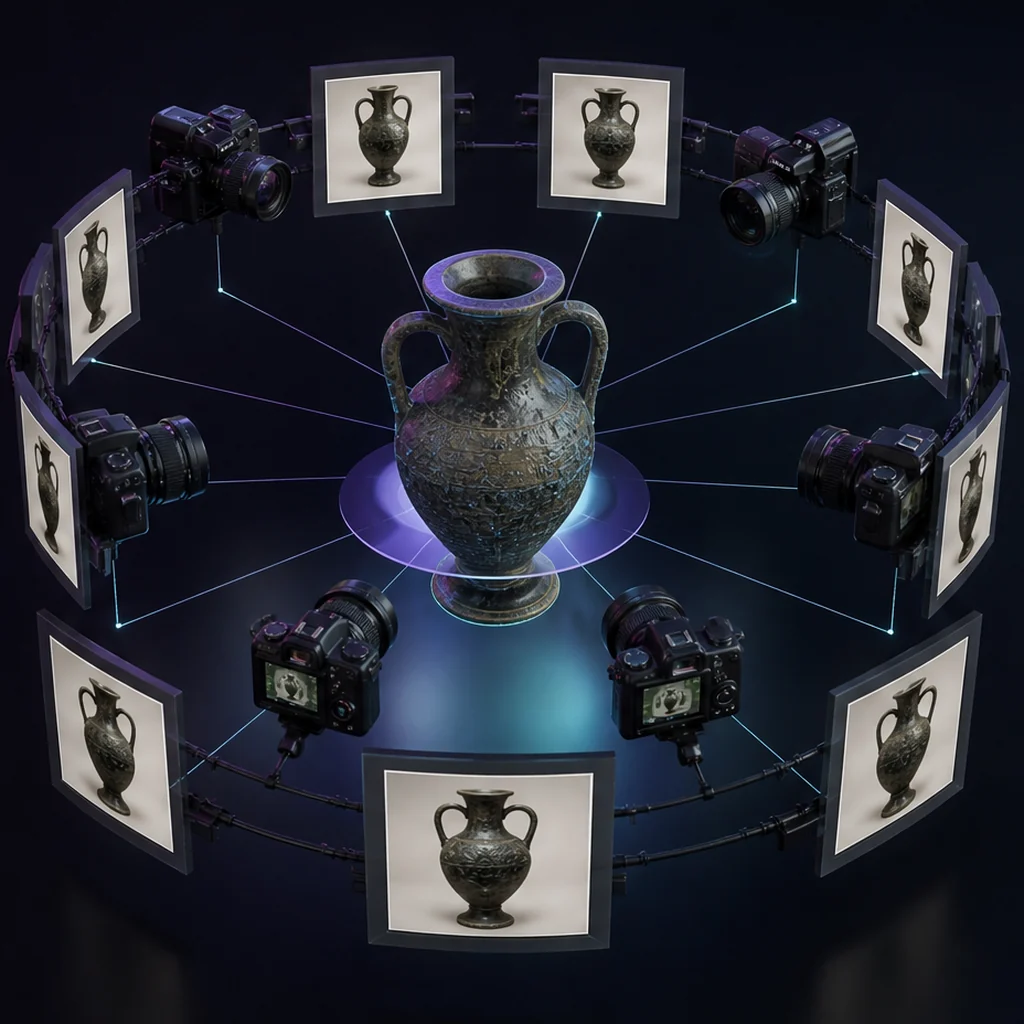
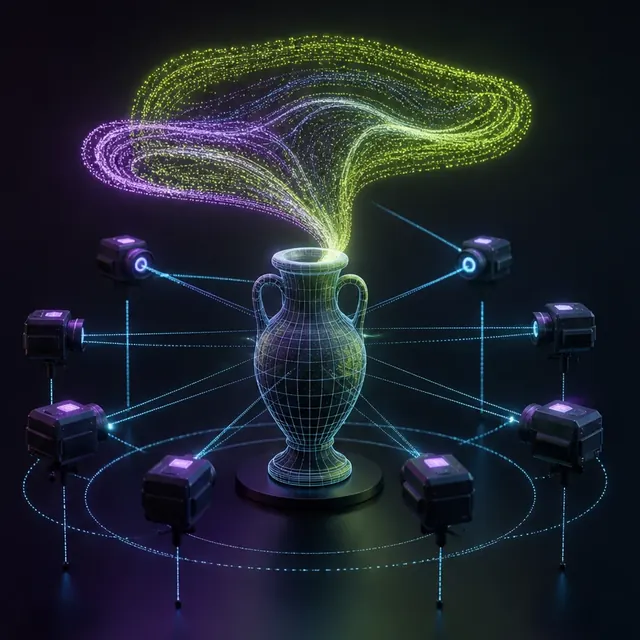
DreamFusion showed how a pretrained text-to-image diffusion model could guide optimization of a 3D representation through rendered views. Magic3D advanced a related coarse-to-fine path. These methods helped establish the field, while also revealing recurring problems such as slow optimization, duplicated features, baked lighting and inconsistent unseen surfaces.
Turn model behavior into instructions with the production-ready 3D prompting guide, and test whether each constraint survives export.
Directly generated 3D representations
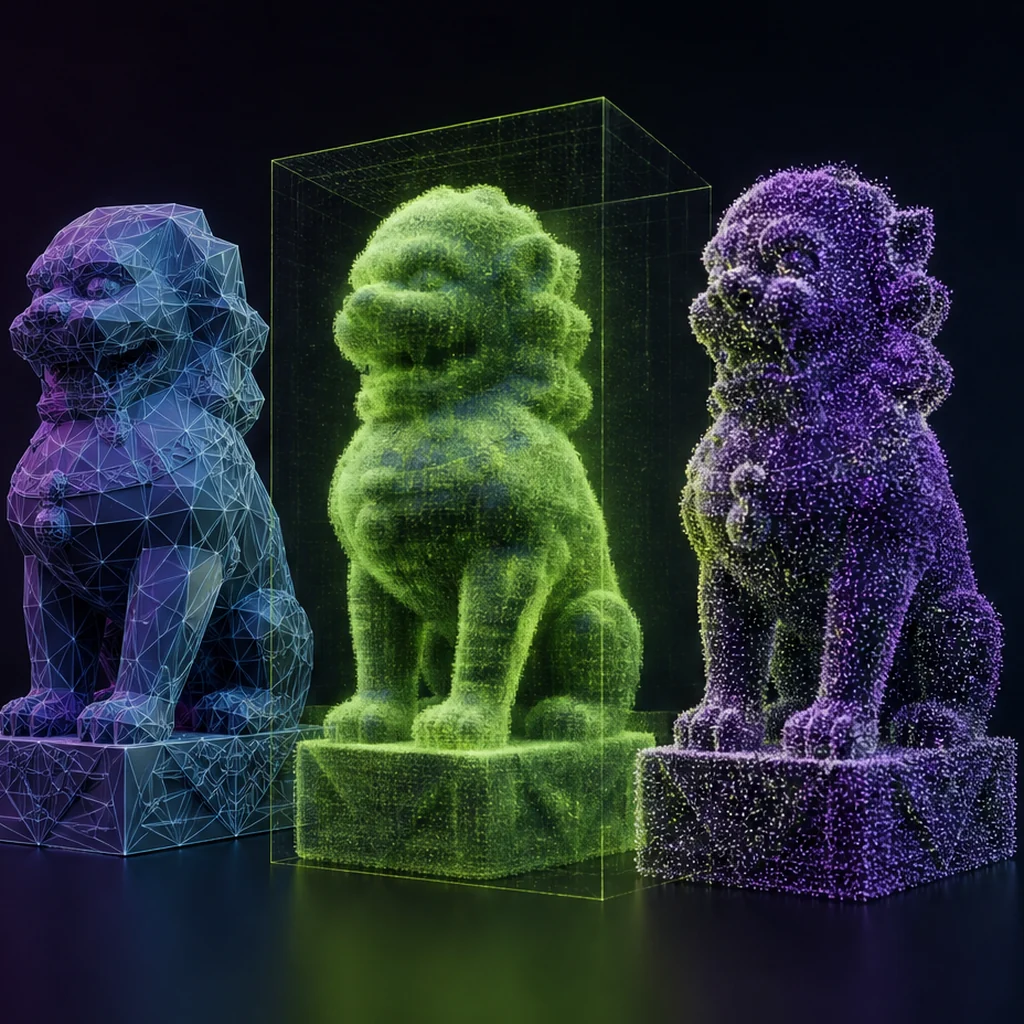
A model trained on 3D data can emit a representation without optimizing every new object from scratch. Shap-E demonstrated conditional generation of implicit functions that can render textured meshes and neural radiance fields. Direct approaches may be faster, but data coverage and representation limits still determine detail and editability.
Evaluate the whole conversion path
If the final deliverable is a GLB or FBX, score that exported file. Inspect silhouette from gameplay cameras, topology density, UV overlap, texture channels and material response under neutral lights. Measure how often a prompt produces an accepted candidate and how much human time the conversion consumes.
The image prior at the centre of these methods is a multimodal model, so a text-to-3D result inherits whatever that 2D system already understands about the subject.
Test a text-to-3D prompt across retained settings
Take one structured prompt and run it three times without changing the wording. Save every exported result, not only viewer screenshots. Compare silhouette, back-side coherence, part count, geometry validity and material structure. Then make one controlled prompt change and repeat. The contrast separates normal sampling variance from actual control and gives the team evidence about whether iterative direction will be predictable enough.
Text-to-3D generation decision criteria
Text → image prior → multi-view optimization
Text → directly generated 3D representation
Exported asset under engine lighting
Text-to-3D export checklist
- Write a brief with role, scale and material constraints.
- Generate multiple candidates under the same brief.
- Inspect all sides under neutral lighting.
- Export and reopen the deliverable.
- Log cleanup minutes and rejection reasons.
Questions about text-to-3D generation
Why do models create two faces or duplicated details?
Multi-view guidance can satisfy different views with inconsistent geometry, a family of artifacts often discussed as multi-face or Janus problems.
Is a longer prompt always better?
No. A structured prompt with decisive constraints is more useful than a long list of competing adjectives.
What should be saved from a text-to-3D run?
Keep the exact prompt, model and version, settings, seed when available, preview, exported files and notes about cleanup. Those records make later comparisons possible.
Apply this 3d ai foundations guidance
Turn this explanation into a repeatable test with the interactive workflow: Build a controlled natural-language-to-3D brief. Then make the creative and technical constraints explicit: Write prompts for production-ready 3D assets. Keep the brief, version and exported files together so control can be measured.
Once a single prompt works, the harder problem is keeping a batch of generated assets consistent, under one art direction.
Primary sources & technical references
- DreamFusion project and paperOpen source ↗
- NVIDIA Magic3D researchOpen source ↗
- OpenAI Shap-E repository and paperOpen source ↗