From a clean mesh to stable animation
- Character rigging
- Skeleton
- Skin weights
- Deformation testing
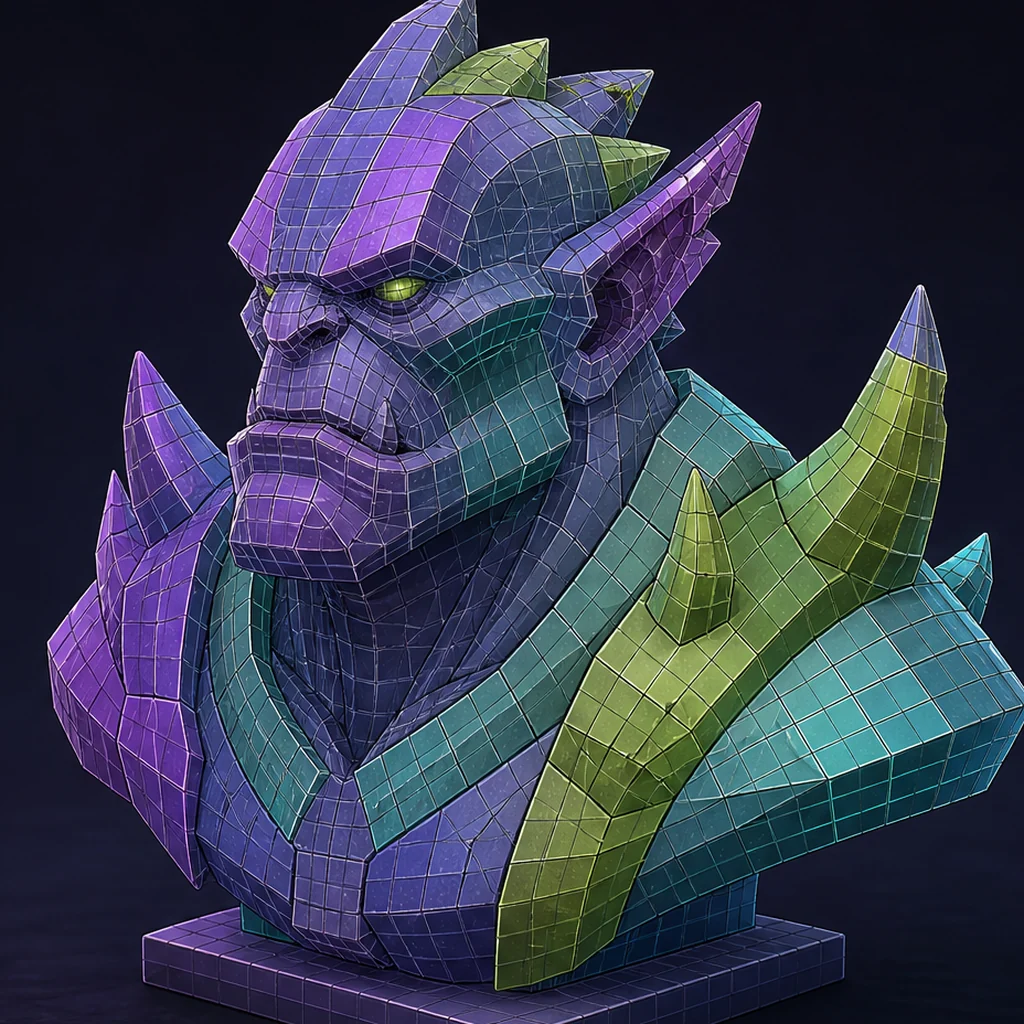
Clean topology
supports stable character movement.
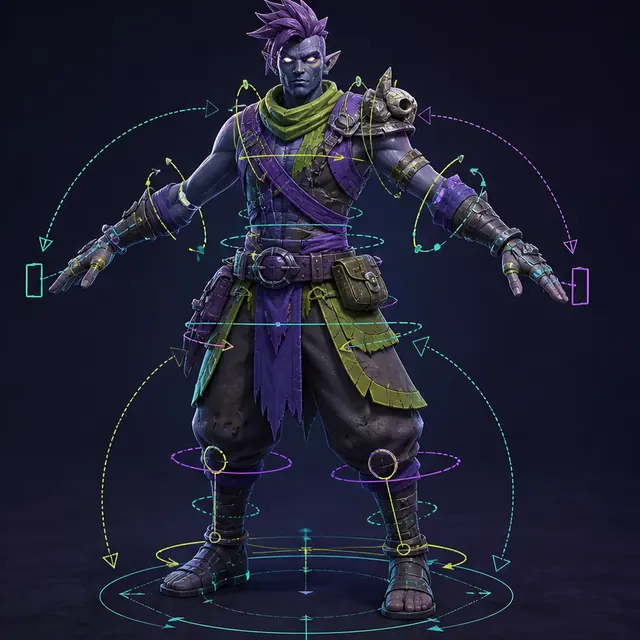
A skeleton
drives joint motion.
Skin weights
control how vertices follow the bones.
Design for deformation before placing bones
Shoulders, hips, elbows, knees, hands and faces need geometry that can compress and stretch without collapsing. Remove fused clothing, hidden floating fragments and asymmetric accidents unless they are intentional. Establish a neutral pose that gives the rigging system clear limb separation.
Skeleton compatibility is a contract
Name the target skeleton, unit scale, orientation, root motion convention and required joint set. Marketplace animations, engine mannequins and motion-capture libraries each assume structures. Retargeting is easier when proportions and bind pose are documented rather than guessed after export.
Before weight painting, verify the deformation surface with the mesh-topology checklist, so rigging does not hide a geometry problem.
Weights need motion-based tests
Static weight visualization misses failures. Run extreme but representative poses: overhead reach, deep crouch, wrist twist, jaw open and eye movement. Look for volume loss, candy-wrapper twisting, cloth intersections and texture stretching. Corrective shapes may be more efficient than dense bone systems for recurring failures.
Faces require a separate quality plan
A character may need only jaw and eye bones, a defined blendshape set, or a facial rig compatible with performance capture. Decide early. Generated facial topology and asymmetry often need the most deliberate rebuild because small shading or deformation errors are highly visible.
Run a generated-character deformation test
Create a short deformation reel using the target skeleton: overhead reach, deep crouch, elbow bend, wrist twist, jaw open and an extreme facial expression if required. Render front, side and three-quarter views with a checker texture. Mark each failure as topology, joint placement, weights or corrective-shape work and keep the reel beside the final approval record.
Character rigging readiness criteria
Clean neutral-pose character
Known skeleton and motion set
Deformation under representative animation
AI-generated character rigging checklist
- Clean intersections and establish a neutral pose.
- Match scale, axes, bind pose and skeleton contract.
- Test extreme body poses.
- Define facial animation requirements.
- Retarget and profile representative clips in engine.
Questions about rigging generated characters
Can auto-rigging replace a rigger?
It can automate setup for suitable meshes, while production deformation, facial systems and difficult anatomy still benefit from specialist review.
Why do shoulders collapse?
Topology, joint placement and weights may not preserve volume through the required rotation range.
What poses belong in a deformation test?
Include the strongest bends and twists the game needs, such as a deep crouch, overhead reach, elbow bend, wrist twist and facial extremes when facial animation is required.
Apply this asset production guidance
Engine validation should use the skeleton and clips the project will ship, whether you: Validate a generated character in Unity. or instead: Validate a generated character in Unreal Engine. Retain the deformation reel and import settings with the character's approval record.
After the rig passes deformation tests, move on to animating generated characters for production, and validate clips in the target engine.
Primary sources & technical references
- Blender ManualOpen source ↗
- Unity Manual: importing modelsOpen source ↗
- Unreal Engine documentation: importing contentOpen source ↗
- Khronos glTF specification and resourcesOpen source ↗